17
ICONSICONS
WHAT DOES IT MEAN? WHAT DOES IT MEAN?
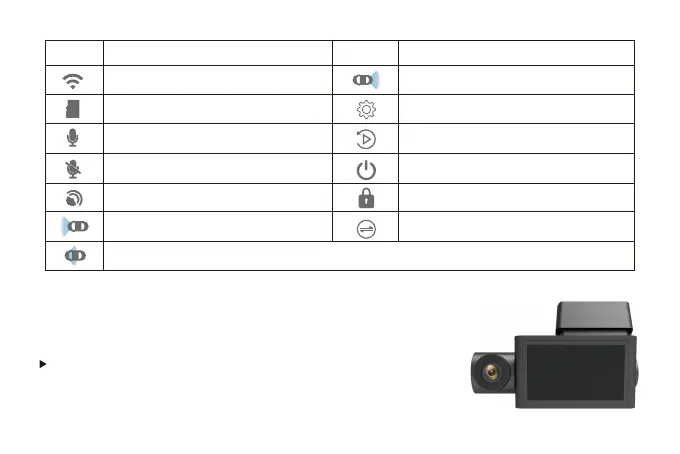
WIFI is on and be connected
SoundRecord is Closed
Indicates that showing the rear camera
image currently
Press “Power” button to turn screen off
TF Card is inserted
received GPS signal
Press “M” button to enter Menu Setting
Press “Down” button to lock the current
recording video
SoundRecord is Opened
Indicates that showing the front camera
image currently
Indicates that showing the in-car
camera image currently
Press “UP” button to enter Playback
Mode
Press “OK” button to switch screen
Power ON/OFF
<Power ON>
If you turn on the engine (ACC on) while the cigar power
adapter is connected,the power will be turned on automatically
and the opening screen will be displayed.



 To Next Page