09
NOTE
:
When you use the dash cam for the first time, the dash cam comes with factory default settings
and you do not need to set it manually.
Format SD before use! Please refer to page 11 for SD card settings
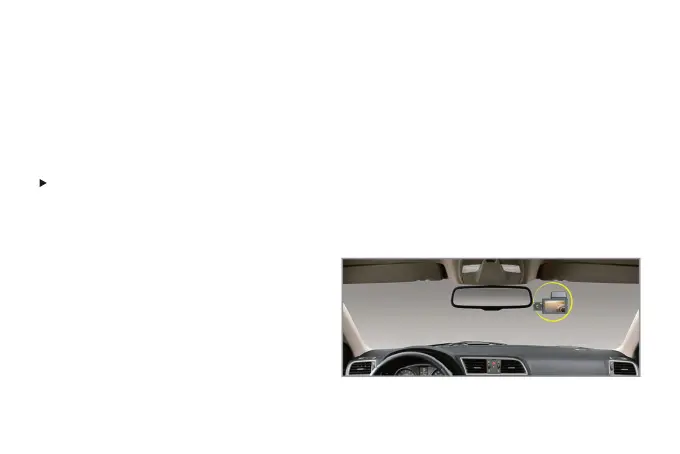
How to install the main body
1. Installation Position-Please find the most
suitable place to record the picture you
want(such as the back seat) with the In-Car
camera. Note: Front-Cam and In-Car Cam can
be rotated to adjust the angle of the picture.
Installation



 To Next Page