33
Include Product Model and System Version.
Please continue to pay attention to the latest version.
Latest version will be posted to: https://wolfbox.com/firmware/
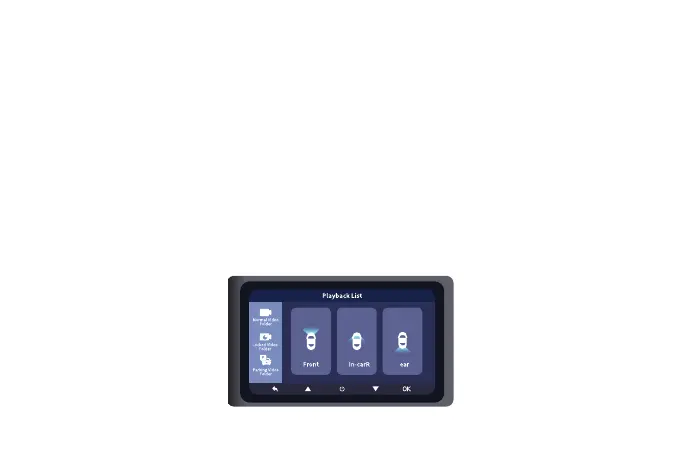
Press the UP button to enter the playback interface.
There are three folders: Normal Video Folder, Locked Video Folder and Parking Video Folder.
And there are three video lists in each folder: Front Video List, In-Car Video List and Rear Video
List.
About
Play on Camera



 To Next Page