22
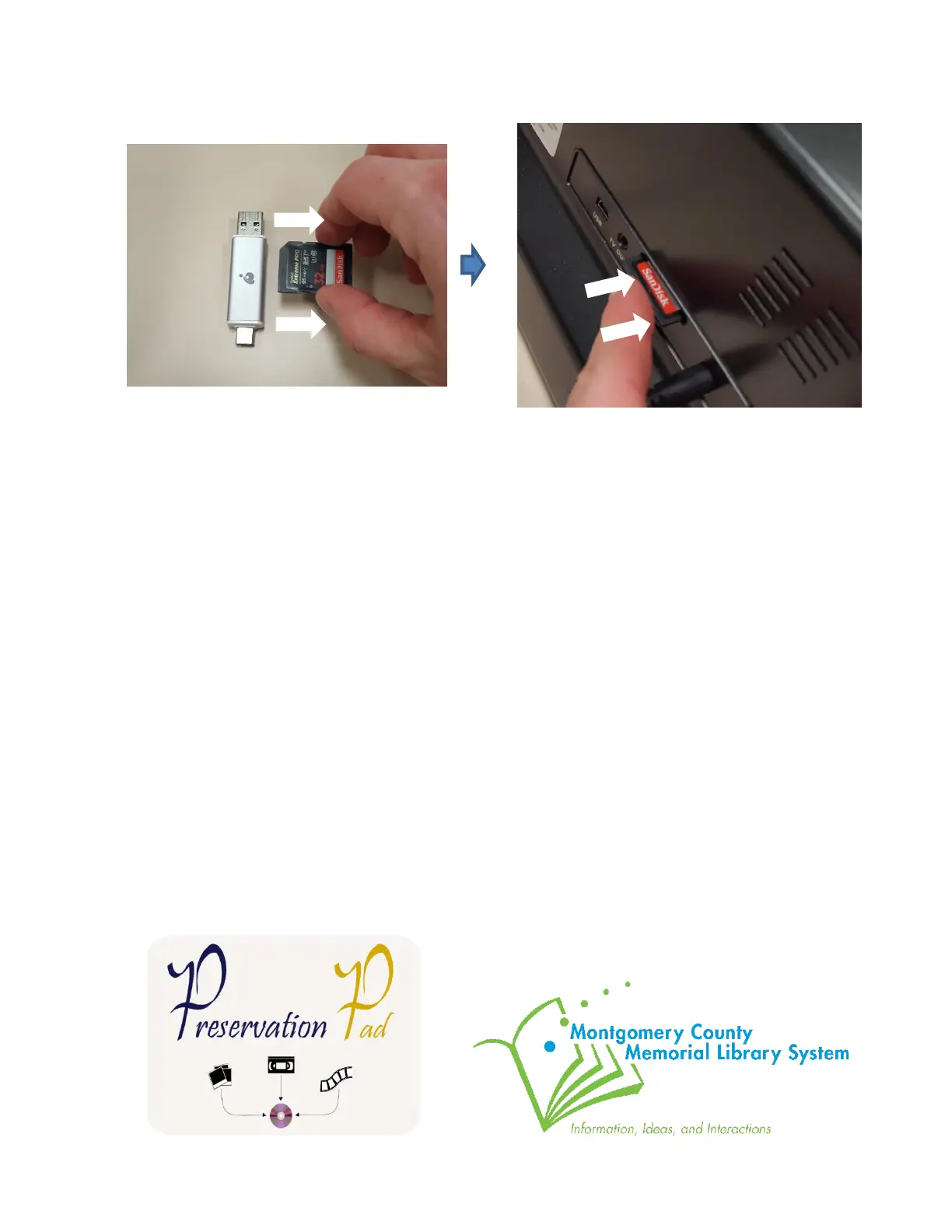
35. Remove the SD card from the silver USB adapter. Insert the SD card back into the slot
on the back of the MovieMaker Pro.
36. Return the silver USB adapter back to the pouch next to MovieMaker Pro. Return the
black take-up reel onto the right side of the Movie Maker Pro. Don’t forget to take your
USB drive and source disks home with you.
Thank you for using our MovieMake Pro! Please feel free to leave a comment in the comment
box. We’d love to hear about your experience.



 To Previous Page