16 MIN PTZ CAMERA
17 MIN PTZ CAMERA
On Screen Display Menu
(2) DOME MENU
--------------------------
¢¹
⑥
A L ARM
The Ala r m function enables the camera to move to the programmed P reset position when the ala r m is triggered.
This camera suppo r ts 2 No r mal Open Ala r m functions.
¢¹
--------------------
-------------------- ----------------------------- --------------------
¢¹
S A VE CLR BACK EXIT
< NEAR/RIGHT ¢¹ A L ARM NO >
< SEL ¢¹ NEAR / MOVE ¡æ J O YSTICK >
L ABEL :
< STORE ¢¹ TELE MOVE ¢¹ J O Y >
< DEL ¢¹ WIDE BACK ¢¹ NEAR >
01 02 03 04 05 06 07
08 09 10 11 12 13 14
15 16 17 18 19 20 21
22 23 24 25 26 27 28
29 30 31 32 33 34 35
36 37 38 39 40 41 42
43 44 45 46 47 48 49
50 51 52 53 54 55 56
57 58 59 60 61 62 63
< SEL ¢¹ NEAR / MOVE ¡æ J O YSTICK >
PRESET SELECT
⑦ PRI V ACY
The P rivacy function allows areas of the output to be hidden when programmed.
There are 4 programmable P rivacy zone masking area functions.
¢¹
--------------------
----------------------------- --------------------
S A VE CLR BACK EXIT
MASK SIZE : <OPEN/C L OSE>
POSITION : 000.0, -09.9
< EXIT ¢¹ FOCUS NEAR >
PRI V ACY NO : 01 UNDEFINE
POSITION : XXX.X, XXX.X
< NEAR/RIGHT ¢¹ P A T T NO >
PRI V ACY MENU
PRI V ACY POSITION
01 02 03 04
< SEL ¢¹ NEAR / MOVE ¡æ J O YSTICK >
PRI V ACY SELECT
A L ARM NO : 01 UNDEFINE
L ABEL :
PRESET NO : XX
A L ARM MENU
01 02
A L ARM SELECT
A L ARM L ABEL EDIT <01>
- In the P rivacy P osition setup, the masking size can be
variable with the iris OPEN/C L OSE key
- OPEN : make the mask larger
- C L OSE : make the mask smaller
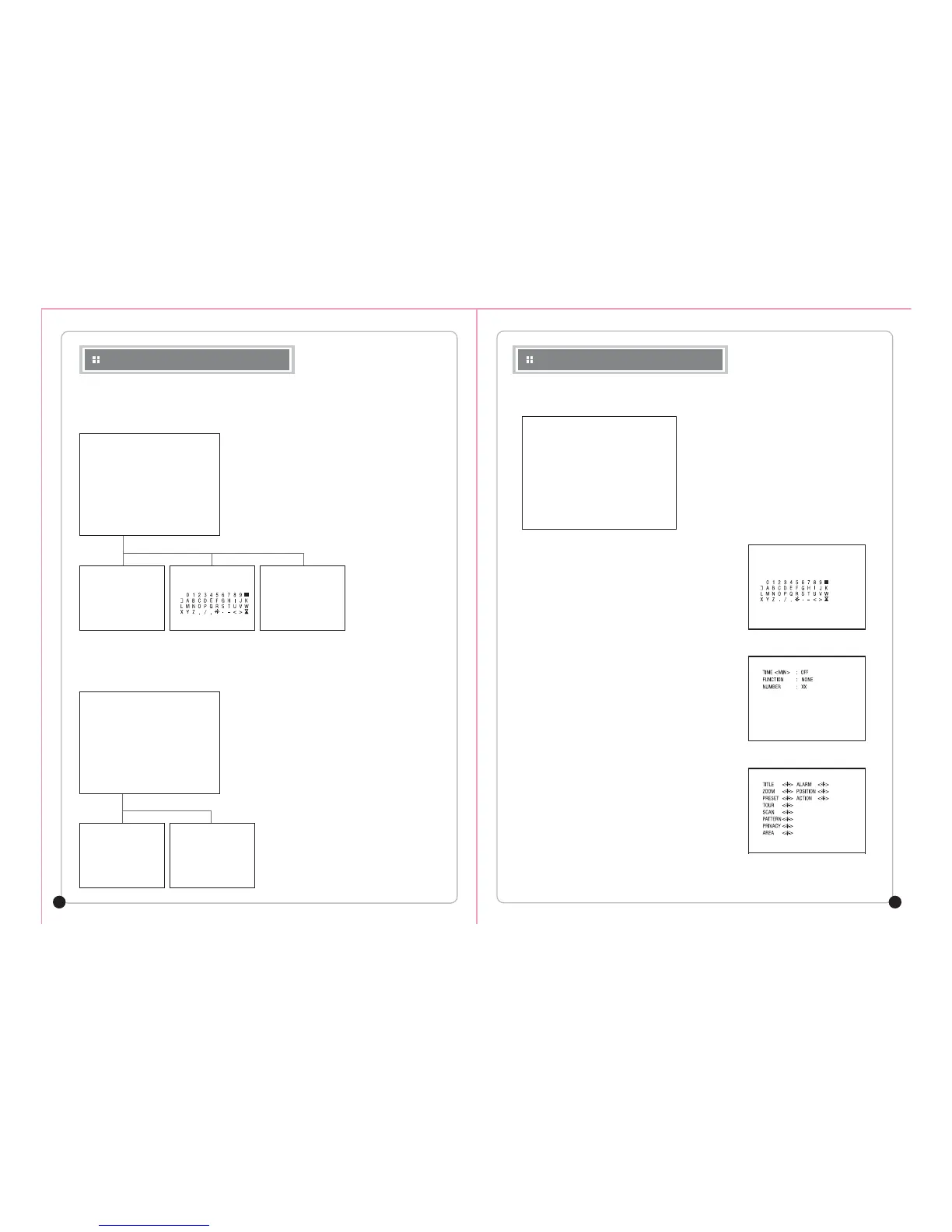
① TITLE
Y ou can set the camera title and it will display when
the camera is ON.
② POWER UP ACTION
The camera memorizes the latest action and restores it
when there is sudden power failure.
③ P ARK ACTION
The camera moves back to the programmed function
a f ter a set time.
④ DISP L A Y ON/OFF
Y ou can set the OSD display ON or OF F .
⑤ SPEED B Y ZOOM
When this function is ON, the pan/tilt speed is inversely
adjusted to the zoom ratio.
⑥ A UTO FLIP
When this function is ON, the PTZ Tilt up to 90° limit using
the joystick and keeps it for a ce r tain time, the image gets
reversed automatically and the opposite Tilt area is seen.
⑦ F ACTORY SET
R estores all program values to the facto r y default.
* Motion function is not removed. It can be removed only in
the CLEAR menu.
TITLE :
POWER UP ACTION : ON
P ARK ACTION
DISP L A Y ON/OFF
SPEED B Y ZOOM : ON
A UTO FLIP
F ACTORY SET
S A VE BACK EXIT
< NEAR/RIGHT ¢¹ TITLE SET >
DOME MENU
L ABEL :
< STORE ¢¹ TELE MOVE ¢¹ J O Y >
< DEL ¢¹ WIDE BACK ¢¹ NEAR >
TITLE SET
¢¹
S A VE CLR BACK EXIT
< NEAR/RIGHT ¢¹ P ARK TIME >
P ARK MENU
< ON ¢¹ TELE MOVE ¢¹ J O Y >
< OFF ¢¹ WIDE BACK ¢¹ NEAR >
------------------------
------------------------
------------------------
DISP L A Y ON/OFF SET
On Screen Display Menu
¢¹
¢¹


 To Next Page
 Loading...