EasyManua.ls Logo

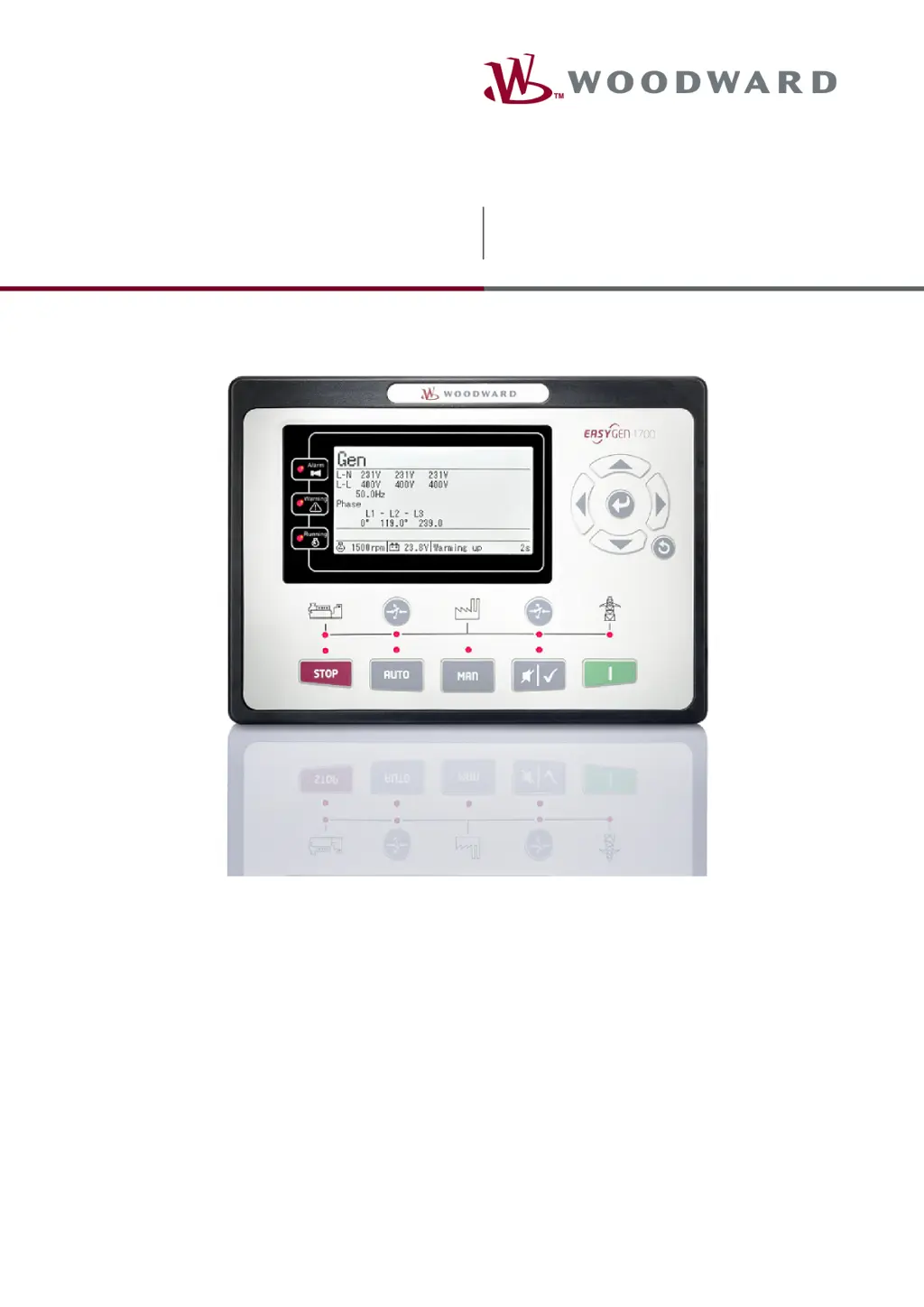
Woodward easYgen-1700 - User Manual

Woodward easYgen-1700
38 pages
Print Icon
To Next Page IconTo Next Page
Loading...
easYgen-1700
Operation Manual Genset Control
easYgen-1700
37888A

Other manuals for Woodward easYgen-1700

Questions and Answers

  • E
    Emily PriceSep 15, 2025
    Why does my Woodward Control Systems genset shutdown?
    • L
      Lindsey ComptonSep 15, 2025
      If the Woodward Control Systems genset shuts down, first check if the water or cylinder temperature exceeds the limits. Also, check the genset AC voltage and the DC fuse.
  • K
    Kelly ToddAug 25, 2025
    What to do if my Woodward Control Unit fails to start?
    • R
      Robin GarciaAug 25, 2025
      If your Woodward Control Unit fails to start, check the fuel oil circuit and its connections, the starting batteries, and the speed sensor and its connections. Also, refer to the engine manual for further guidance.
  • M
    Michael KruegerAug 25, 2025
    Why is the starter not responding on my Woodward Control Unit?
    • S
      Scott AyalaAug 26, 2025
      If the starter of your Woodward Control Unit is not responding, check the starter connections and the starting batteries.
  • J
    Julian ColemanAug 26, 2025
    What causes genset shutdown in Woodward Control Unit?
    • U
      uhartAug 26, 2025
      If your Woodward Control Unit experiences a genset shutdown, check if the water/cylinder temperature exceeds the limits, the genset AC voltage, and the DC fuse.
  • W
    William DuranSep 16, 2025
    What causes ECU communication failure in Woodward Control Systems?
    • R
      Ricky SanchezSep 16, 2025
      If ECU communication failed in your Woodward Control Systems, check the CAN connections for high and low polarity. Verify if the 120 ? resistor is properly connected and confirm that the engine type is correct. Also, ensure the connections from the controller to the engine and the output ports settings are correct.
  • M
    Melissa AlvarezSep 23, 2025
    What causes high water temp alarm after crank disconnect in Woodward Control Systems?
    • V
      Victor ReyesSep 23, 2025
      If you receive a high water temperature alarm after crank disconnect with your Woodward Control Systems, check the temperature sensor and its connections.
  • T
    timothyevansSep 7, 2025
    How to troubleshoot ECU communication failure on Woodward easYgen-1700?
    • S
      stanleysarahSep 8, 2025
      If the Woodward Controller's ECU communication failed, check the CAN connections for high and low polarity. Verify if the 120 ? resistor is connected properly, if the engine type is correct, and if the connections from the controller to the engine and the output ports settings are correct.
  • J
    John BentonSep 8, 2025
    Why is my genset running, but ATS is not transferring on Woodward Controller?
    • L
      Lisa AndersonSep 9, 2025
      If the genset is running but the ATS is not transferring on your Woodward Controller, check the ATS and the connections between the ATS and the controller.
  • C
    Christopher DoyleSep 2, 2025
    How to troubleshoot Woodward easYgen-1700 Controller with no power?
    • D
      Daniel SmithSep 2, 2025
      If the Woodward Controller has no power, begin by inspecting the starting batteries. Then, check the controller connection wiring and the DC fuse.
  • D
    daniellegreenAug 31, 2025
    What causes low oil pressure alarm after crank disconnect on Woodward Control Unit?
    • V
      Vanessa ParkerAug 31, 2025
      If your Woodward Control Unit shows a low oil pressure alarm after crank disconnect, check the oil pressure sensor and its connections.

Summary

General Information

About this Manual

Details the manual's content, revision history, and safety symbols.

Safety and Precautions

Covers intended use, personnel qualifications, and general hazard warnings.

System Overview

Intended Use

Describes the intended use of the easYgen unit as per manual and specifications.

HMI and ToolKit-SC Status Screens

Details status screens on HMI and access via ToolKit-SC software.

Operation

Front Panel Controls and Display

Describes operating and display elements on the easYgen-1700 front panel.

Alarm and Mode Management

Explains alarm signaling, acknowledgment, and operation modes (AUTO, MANUAL, STOP).

Operation Procedures and Troubleshooting

Covers START/STOP, transition procedures, and troubleshooting guidance.

Appendix

Alarms and Warnings Overview

Details alarm classes, warnings, shutdown, trip, and stop alarms.

Shutdown and Trip Alarms

Lists conditions triggering shutdown, trip, and stop alarms for the generator.

Glossary and Abbreviations

Key Terms and Definitions

Provides definitions for common terms and abbreviations used in the manual.

Document Index

Keyword and Topic Lookup

An alphabetical index to locate specific topics and keywords within the manual.

Woodward easYgen-1700 Specifications

General IconGeneral
TypeGenerator Controller
Frequency50/60 Hz
Digital Inputs8
Digital Outputs6
Analog Outputs2
DisplayGraphic LCD
Relay Outputs6
Operating Temperature-20 to +70 °C
Communication PortsRS-485
ProtectionOver/Under Voltage, Over/Under Frequency, Over Current, Short Circuit, Reverse Power
Protection ClassIP20

Related product manuals