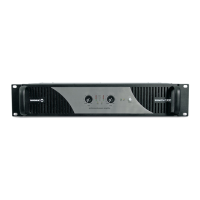
PA 4100
Multizone Mixer & Power Amplier
OFF
ON
ON
OFF
ON
OFF
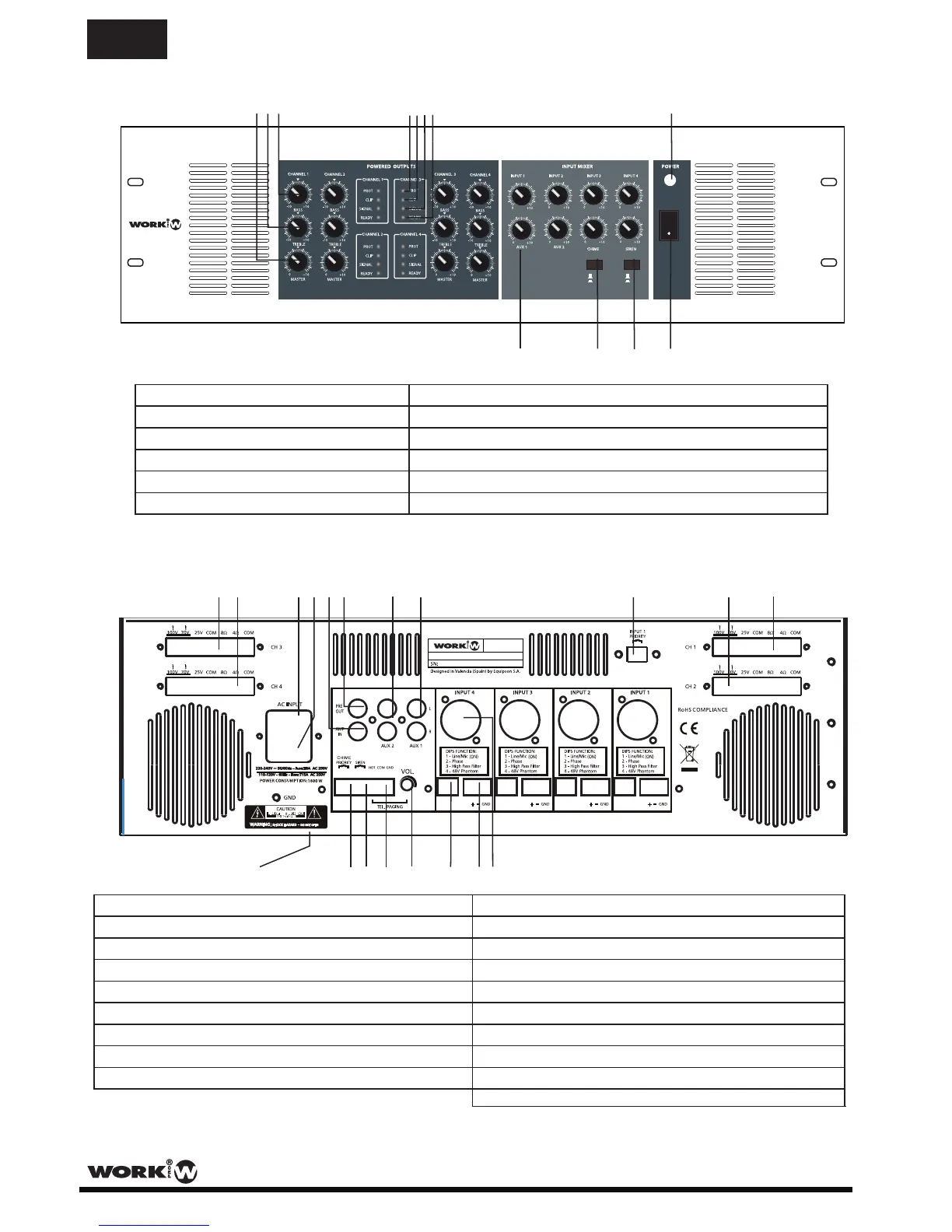
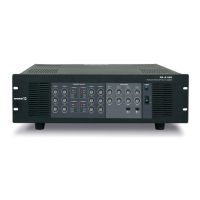
FRONT PANEL
2
User Manual/Manual de Uso PA 4100
1
2
3
4
5
6
7
8
9
10
11
12
4. Protection LED
9. Input Volume Controls (1-4, AUX 1-2, CHIME, SIREN)
1. Master Output Volume Control
8. Power ON LED
2. Treble Tone Control
7. Ready LED
10. CHIME (Switch ON/OFF)
11. SIREN (Switch ON/OFF)
12. Power Switch ON/OFF
5. Clip LED
6. Signal LED
3. Bass Tone Control
* NOTE: Items 1 to 7 are shown for OUTPUT channel 1. Outputs 2 - 4 are identical.
* NOTE: Items 24 to 26 are INPUT 4. INPUTS 1 - 3 are identical. shown for
13
14
15
16
17
18
19
20
21
22 23
24
25
26
27
28
29
30
31
21. Input 1 Priority Terminals
24. Input 4 (COMBI(XLR3P-Jack)/balanced)
20. AUX 1 input (RCA phono)
28. TEL/EMER input terminals
29. SIREN terminals
30. CHIME priority terminals
31. Input Voltage Selector
19. AUX 2 input (RCA phono)
27. TEL/EMER input level control
25. Input 4 (Terminal block)
26. Input 4 (Dip-switch for functions)
17. Power amp Input (RCA phono)
18. Pre output (RCA phono)
13. OUTPUT 3 (high/low impedance speaker outputs)
22. OUTPUT 2 (high/low impedance speaker outputs)
14. OUTPUT 4 (high/low impedance speaker outputs)
23. OUTPUT 1 (high/low impedance speaker outputs)
15. Mains input socket
16. AC fuse holder
(bottom side)
PA 4100
Multizone Mixer & Power Amplier
EN


 To Next Page