Operating Instructions:
Audio Mode:
Press Audio/Chase button to access Audio mode, its LED near this button is
lit indicating Audio mode is active. While in Audio mode, the selected program
will be executed according to the music beat detected by the built-in microphone,
you can press Pattern UP/DOWN buttons to select any desired program from
16 preset programs and a sequence of 16 programs.
Select your desired chase program
Press Audio/Chase button to access Chase mode, its LED near this button will
be extinguished. You can use the Pattern UP/ DOWN buttons to select any of
the built-in 16 programs or a sequence of 16 programs.
This function allows you to change the program chase speed. While in Chase
mode, press Speed UP/DOWN buttons to select your desired chase speed.
Once you have set the speed, the program you have selected will be performed
by the speed.
This product has two different operating modes: Chase and Audio modes.
Press Audio/ Chase button to change between Audio and Chase modes. In
Audio mode, the selected program will be executed depending on the music
beat detected by the built-in microphone. In Chase mode, the selected program
will chase at the speed you have set.
Furthermore, Full on and Stand by functions will allow you to turn overall output
ON or OFF at your convenience.
Please follow the instructions to operate the unit in your desired mode.
Select your desired chase speed
Chase Mode:
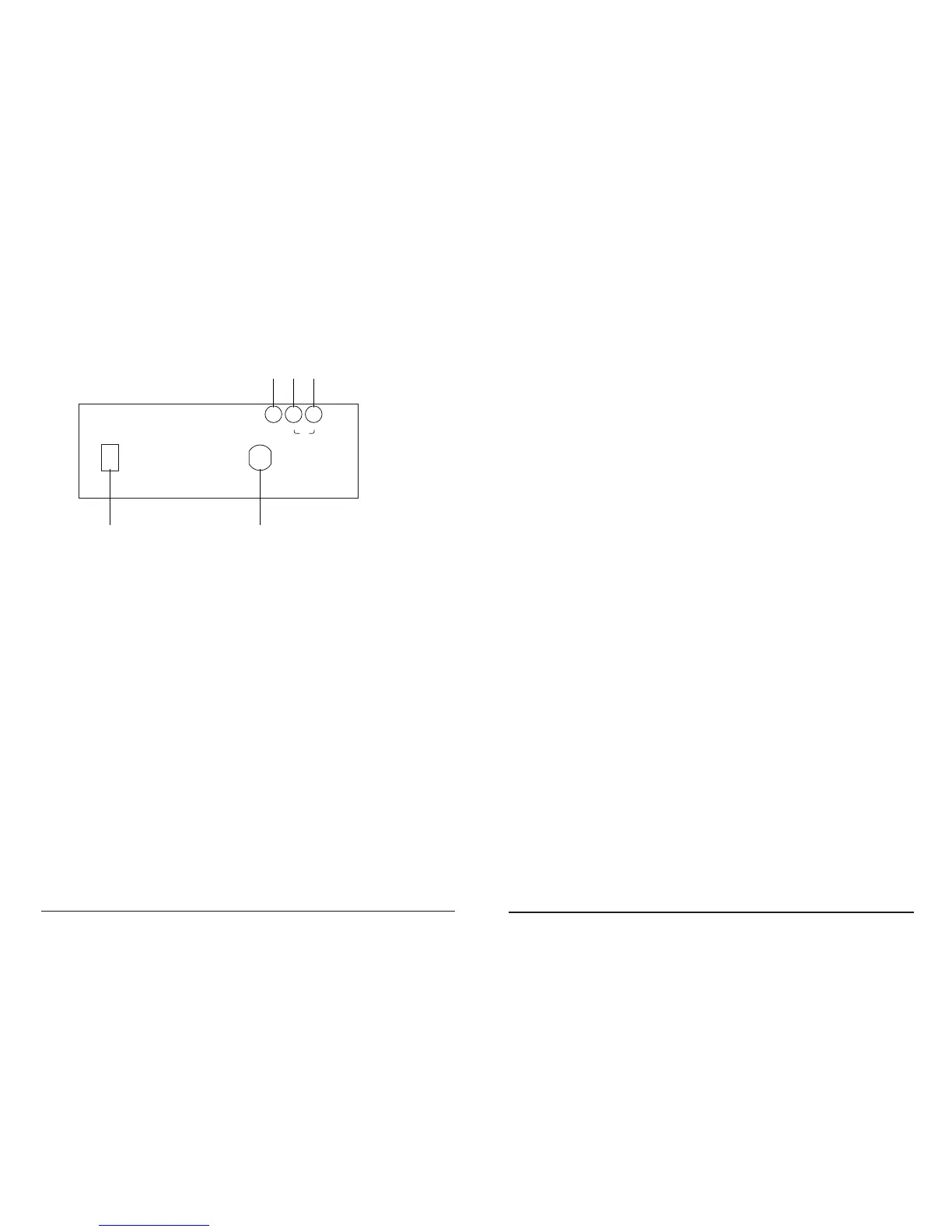
Funciones y Controles (Panel Trasero):
POWER INPUT
POWER
AC 230V~ 50Hz, 16A
LINK
EXT.
REMOTE
IN
OUT
1 2
3 4 5
1. Conmutador de red - Este interruptor, conmuta la alimentación entre ON
y OFF.
2. Entrada de alimentación - AC 230V - 50Hz 16A
3. Conector para detector remoto externo - Conecta con un detector infrarrojo
externo adecuado para su mando remoto.
4. Link In - Este conector, acepta datos de una unidad precedente. Todas las
unidades conectadas entre sí, serán controladas por la primera unidad.
5. Link Out - Este conector, envía datos a la siguiente unidad.
User Manual / Manual WDP4 ANALOG Page/Página 9
User Manual / Manual WDP4 ANALOG Page/Página 4



 To Next Page