HANGZHOU BLUE WHALE MUSIC TECHNOLOGY CO.,LTD HANGZHOU WORLDE MUSIC ELECTRONIC CO., LTD
WEBSITE: WWW.WORLDE.COM.CN EMAIL:SALES@WORLDE.COM.CN TEL:86 571 88730848
- 6 -
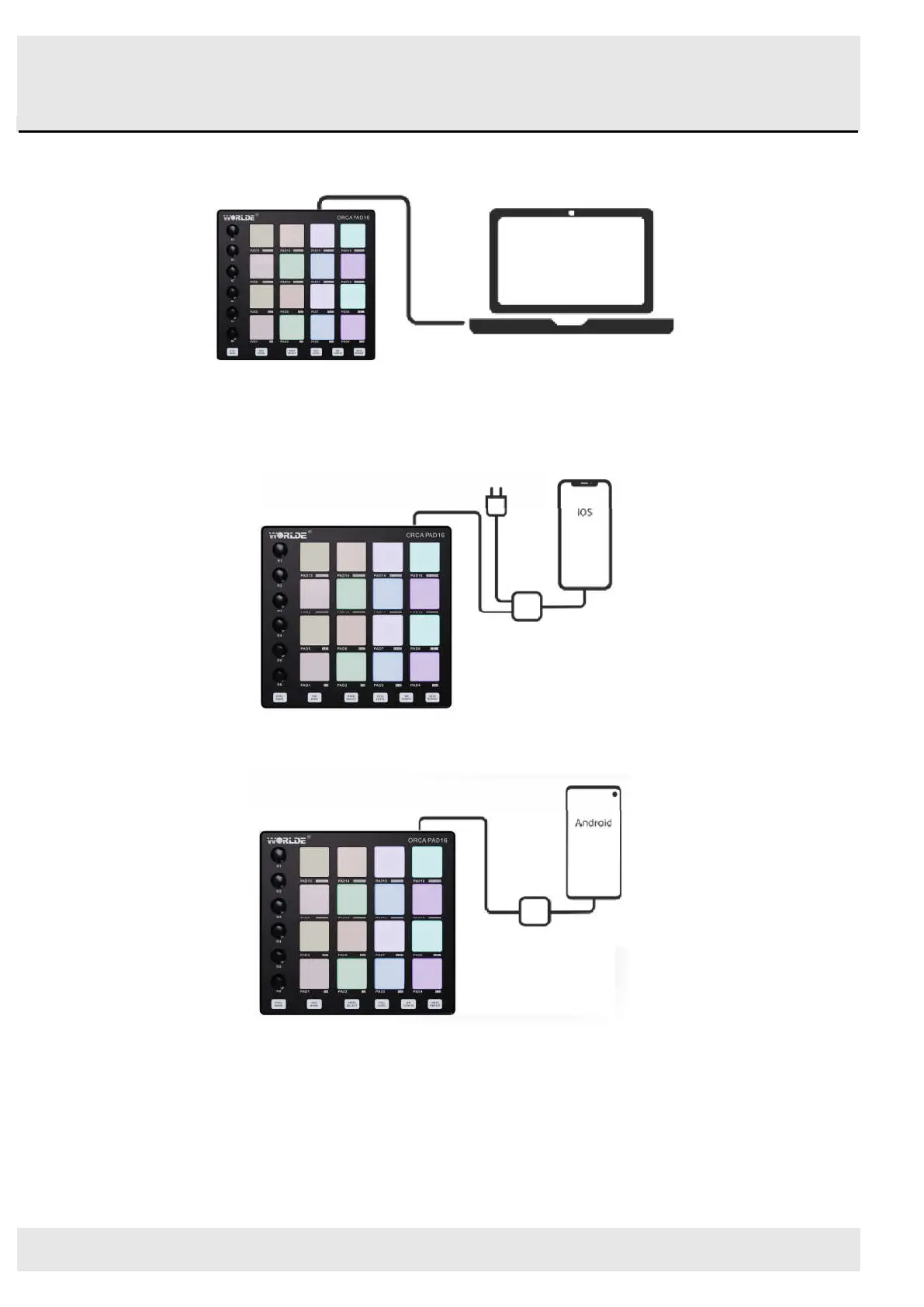
3.3 Connecting to a Computer
ORCA PAD16 is bus-powered, so it turns on as soon as you connect it to your computer with a USB cable.
3.4 Connecting to Mobile Devices
3.4.1 iOS
To operate your ORCA PAD16 with an iOS device, use Apple’s Lightning to USB 3 Camera Adapter with a separate 2.4A Lightning charger.
3.4.2 Android
To operate the ORCA PAD16 with an Android device we’d like to recommend a USB OTG to USB adapter.



 To Next Page