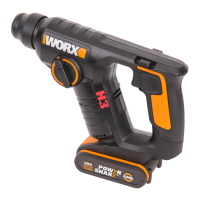
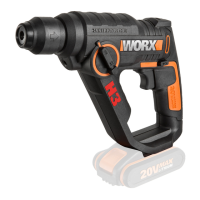
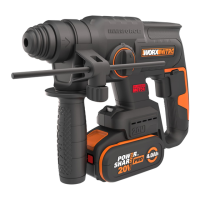
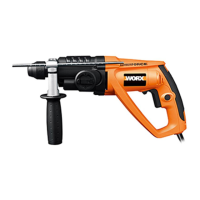
Rotary hammer WX338
WARNING: Always use the auxiliary handle.
5. FORWARD AND REVERSE ROTATION CONTROL
With the drill pointing away from you, push the
Forward/reverse-Lever (6) to the left
“ “for forward rotation. Push the Forward/reverse-
Lever (6) to the right for reverse rotation “ “.
WARNING: Never change the direction of
rotation while the tool is rotating, wait until
it has stopped.
6. ADJUSTABLE DEPTH GAUGE
Fit the drill bit into the chuck. Loosen the depth gauge
by rotating the handle anti-clockwise. Slide the depth
gauge until the distance between the depth gauge end
and the drill bit end is equal to the depth of hole/screw
you wish to make. Then clamp the depth gauge by
rotating the handle clockwise.
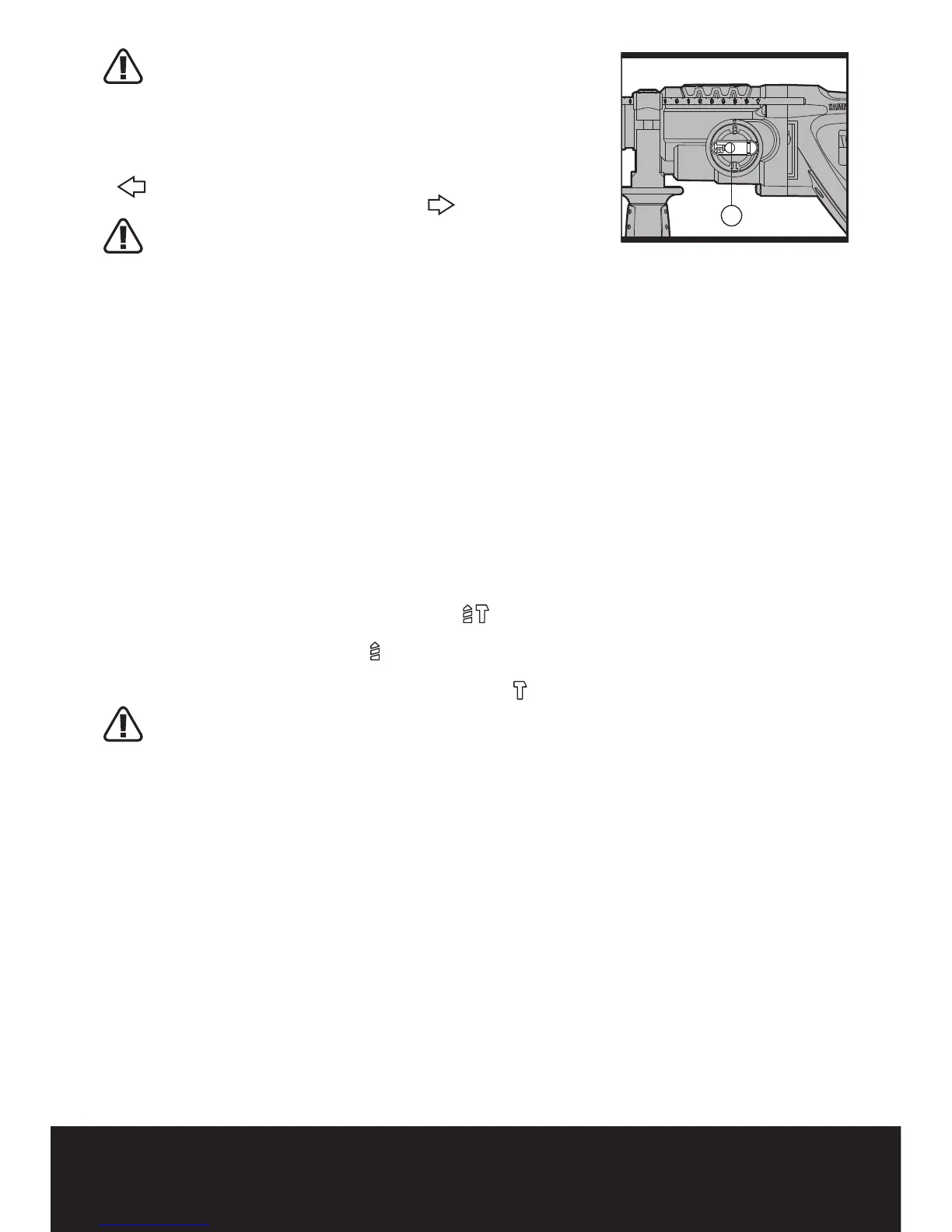
7. FUNCTION MODE SELECTION
(See Fig. E)
The operation of the gearbox for each application is set
with the Function Mode Selection Switch (7), To change
between functions, depress the unlocking button and
rotate the selector to the desired operating mode.
For simultaneous drilling and impacting of concrete or
masonry, choose the Hammer drilling position.
For screw driving, drilling into steel, wood and plastics
choose the Rotary drilling position.
For impacting only - for light chipping, chiseling and
demolition applications choose the Hammer position.
WARNING: The operating mode selection
switch may be actuated only at a standstill.


 To Next Page