Need help?
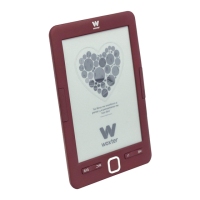
Do you have a question about the WOXTER Scriba 195 S and is the answer not in the manual?
Do not open or disassemble product parts; contact a technician for repairs.
Keep away from electromagnetic sources, humidity, pressure, extreme temperatures, and drops.
Clean with a dry cloth. Avoid pressing buttons with excessive force.
Charge lithium batteries fully initially, understand charging times and methods (USB/adapter).
Identify buttons for page navigation, confirmation, menus, and ports for charging and reset.
Understand battery icons, initial charging, charging times, and maintenance.
Resolve issues with the e-book not turning on or buttons not responding.
 General
| Brand | WOXTER |
|---|---|
| Model | Scriba 195 S |
| Category | eBook Reader |
| Language | English |


 To Next Page