2-4
Unit Description
2.3. RSM Series - Front Panel
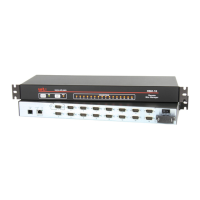
As shown in Figure 2.5, the RSM front panel includes the following components:
CLEAR: Can be used to restart the RSM operating system as described in
Section 2.11.
ON: Lights when AC Power is applied.
SET: Can be used to initialize the RSM to default parameters as described in
Section 2.11.
Ã
RDY: (Ready) Flashes to indicate unit is operational.
ACTIVITYLEDs: A series of LEDs, which will light when a CTS signal is detected,
and will flash during data transmission to indicate activity at the corresponding port.
• RSM-8seriesunitsinclude8ActivityLEDs
• RSM-16seriesunitsinclude16ActivityLEDs
CLEAR
SET
ON
RDY
ACTIVITY
1
2 3
4
5 6
7 8
www.wti.com
RSM-8
Remote
Site Manager
1
2
3
4
5
Figure 2.5: RSM Series - Front Panel (Model RSM-8 Shown)



 To Next Page
 Loading...