Seite 10 von 100
2.4 COMBINE A GROUP OF INSTRUMENTS USING THE FUNCTION "JOIN"
The function "JOIN" enables the grouping of instruments. The
grouping prevents the accidental reading of measuring values from
instruments of another measuring group. The function "JOIN" can be
performed using the cable connection or with wireless data
transmission.
The function "JOIN" joins all the instruments connected to a group.
Previously used groupings are cancelled.
For the function "JOIN" in wireless mode only one instrument can be added to the group at a time. No instruments must
be connected by cables at the same time.
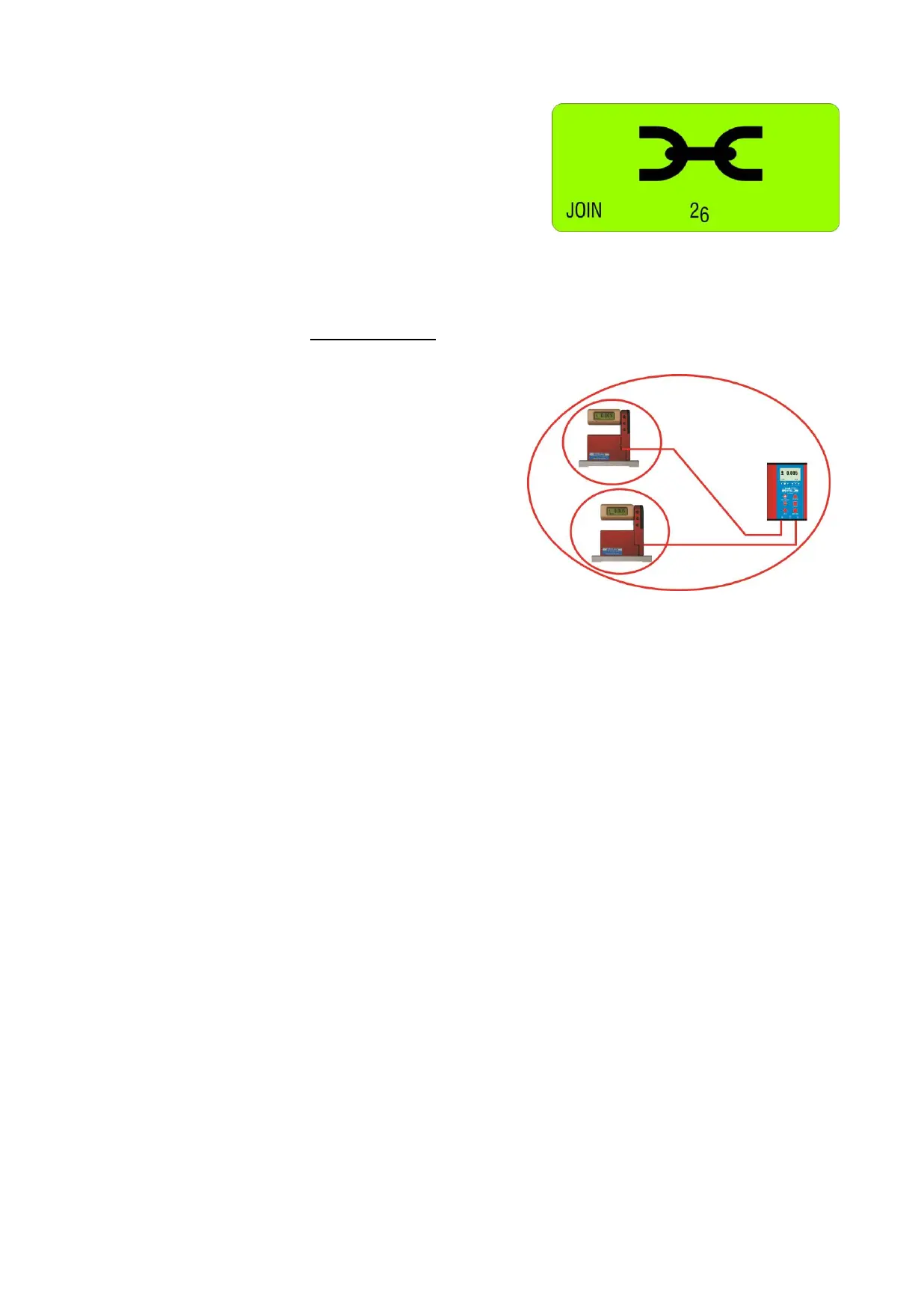
2.4.1 PROCEDURE "JOIN" WITH CABLE-CONNECTION
1. Connect all instruments (BlueLEVEL and BlueMETER)
to be joined to a group with the cables provided and
switch on all the instruments
2. Select on the BlueMETER the menu "JOIN" using the
<ON/MODE> key. Confirm with the <ENTER> key. All
instruments connected are now searched and joined to
a group.
3. After establishing the group a "REFRESH" will be
performed.
4. After the grouping the command "SENSOR" will be
performed. As the measuring mode is still to be defined,
the message "not-defined" will be displayed
5. The measuring mode ("A", "B" or "A-B" must now be
selected. Select the mode preferred using the <ZERO/SELECT> keys (corresponding to the menu [SENSOR])
and confirm with <ENTER>
It is also possible to execute any other function of the menu. For instance it is possible to integrate with further
"JOIN" commands additional instruments with wireless connection into the group
6. The sensors must be selected. Select the sensors for A and - depending on the measuring mode - also for B
using the <ZERO/SELECT> keys and confirm with <ENTER>. The measuring values are now shown in the
display according to the selected configuration.
7. After a successful grouping on both instruments the green LED "READY" will blink shortly as many times as
instruments are joined in the measuring group (including the own address)
8. For using the wireless mode (the wireless mode must be switched-on on each instrument) the cables can now
be removed. After removing the cables the measuring values will be "freezed" for a short while and replaced by
empty zeroes until, after successful connection, the measuring values will be displayed again
Remark: After successful connection the blue LED "LINK" will be lighting on all the instruments connected.


 To Next Page
 Loading...




