Page 24 of 31 Pages
3.9. Absolute measurement/Relative measurement
3.9.1. Absolute measurement
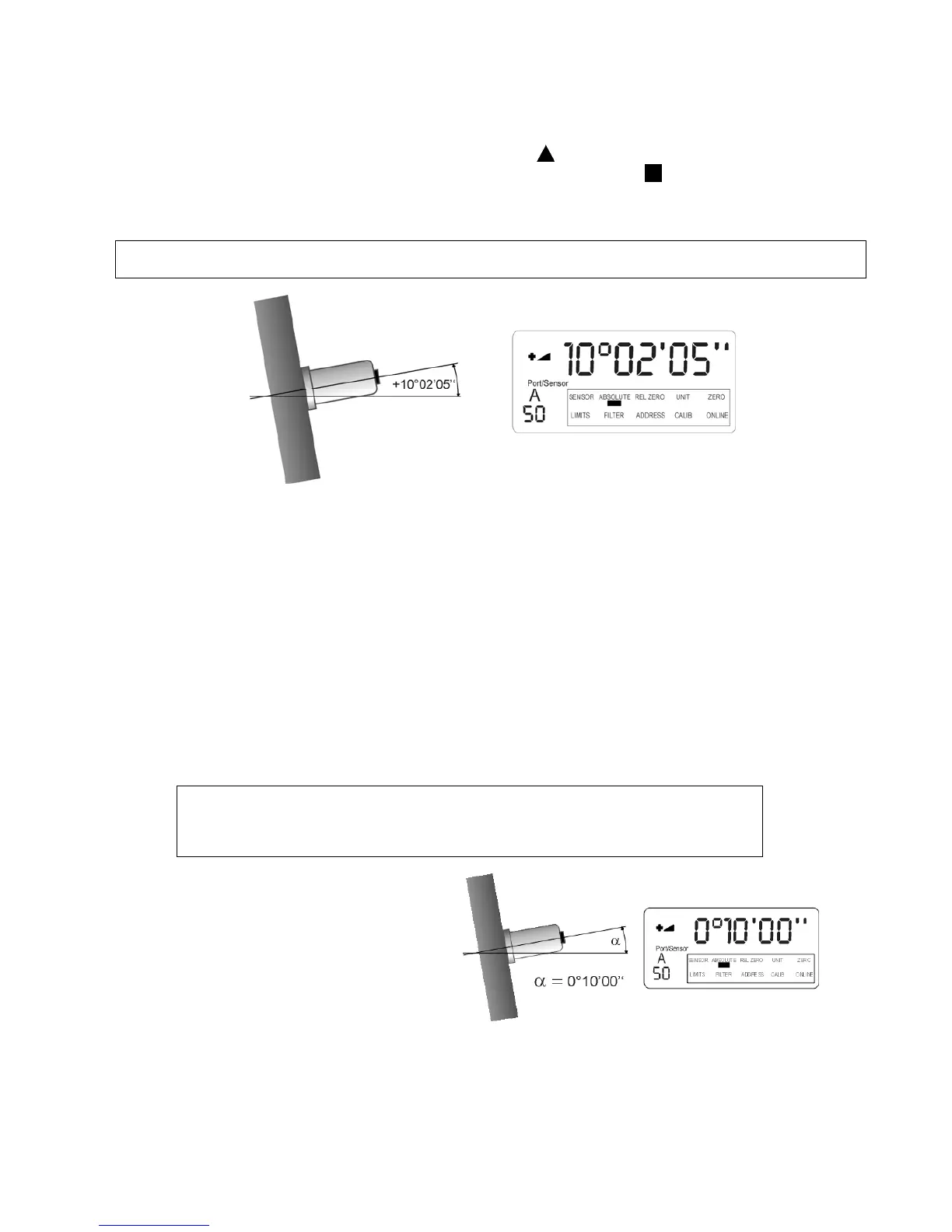
The standard mode (by default) is the absolute measurement.
If this is not the case when starting the LEVELMETER 2000 the
ON/MODE key must be pressed repeatedly
until the selection pointer is in position ABSOLUTE. This must be confirmed with
ENTER and the absolute
mode is ready.
The displayed value is the
Value of the sensor minus „ZERO - OFFSET“
3.9.2. Relative measurement
Important remark:
The defined „REL ZERO OFFSET“ is superimposed on the „ZERO-OFFSET“ stored in the sensor head.
The „REL ZERO OFFSET“
o is stored in the sensor / measuring instrument in case of single measurement and can be recalled
at any time. Starting a new relative measurement the existing value is displayed (blinking +/- sign).
This value can be accepted or a new value can be entered or the value can be set to zero.
o is temporarily stored in the Levelmeter 2000 in case of differential measurement with two sensors
/ measuring instruments. The „REL ZERO OFFSET“ value can be changed during the
measurement.
Displayed value =
Value of the sensor minus „ZERO-OFFSET“ minus „REL ZERO OFFSET“
Initial position:
The display shows the measured value on the
Levelmeter 2000 : +0°10‘00‘‘. This value is the
true inclination of the sensor.
The requirement is now to set the sensor' s
inclination at an angle of zero and use this
angle as a reference for future measurements.



 To Next Page