2020-8-24 Version
● Under Photo and Video Mode: Press IR for 4 levels of
brightness(IR Off-> IR1->IR2->IR3->IR Off...)
First time power on, IR is set at IR2. Make sure IR is on for
night use.
● Under Playback mode: Press IR to playback to the previous
file.
● Under Menu mode: Press IR to go down.
● Under Photo mode: Press to take photos.
● Under Video mode: Press to start video recording, and
press one more time to stop recording.
● Under Playback mode: Press to enter selected item.
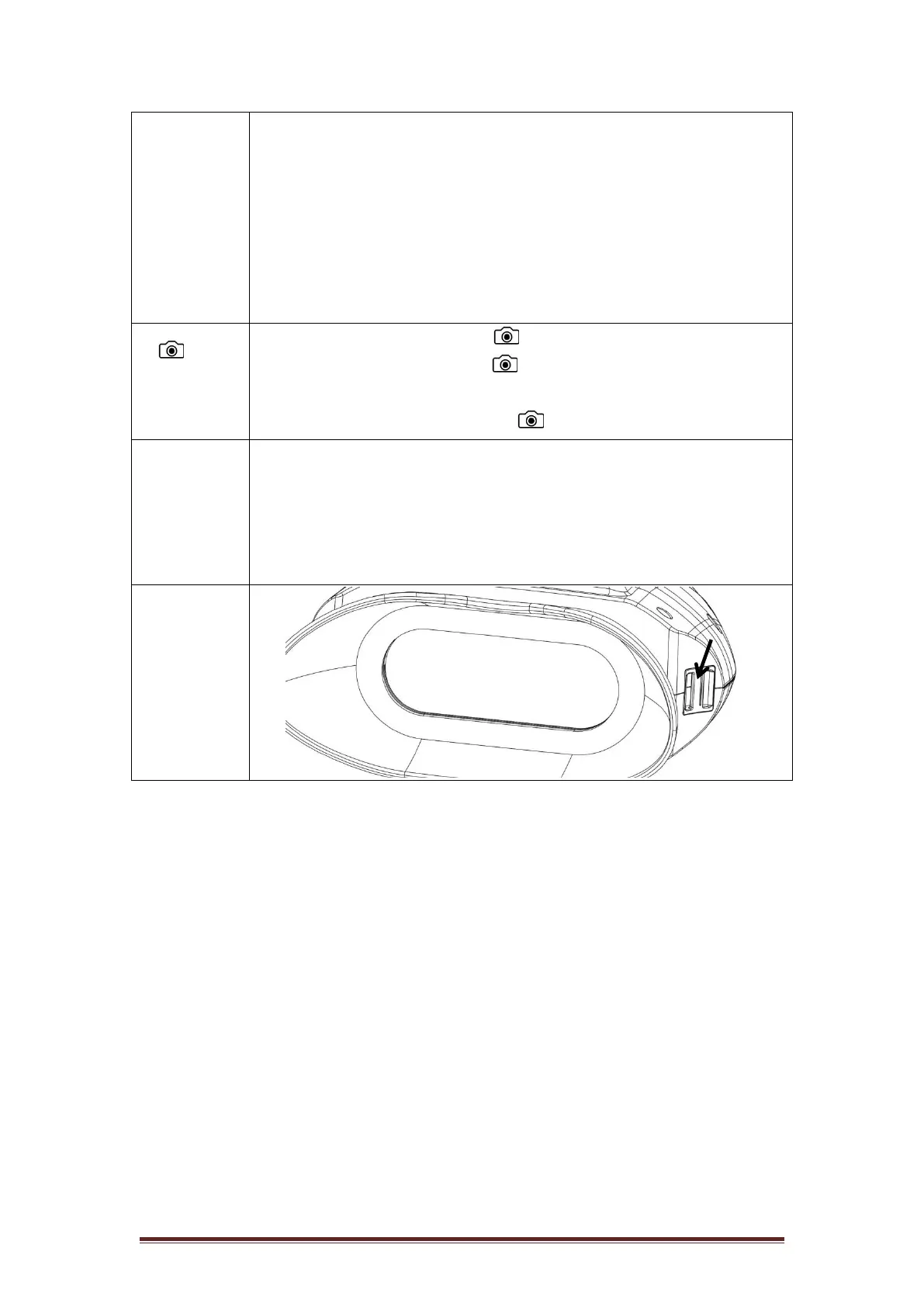
⑥Micro SD
Card and
USB Slot
● For SD card insert (make sure the power is off)
● USB slot for battery charging.


 To Next Page