1313
1313
13
1212
1212
12
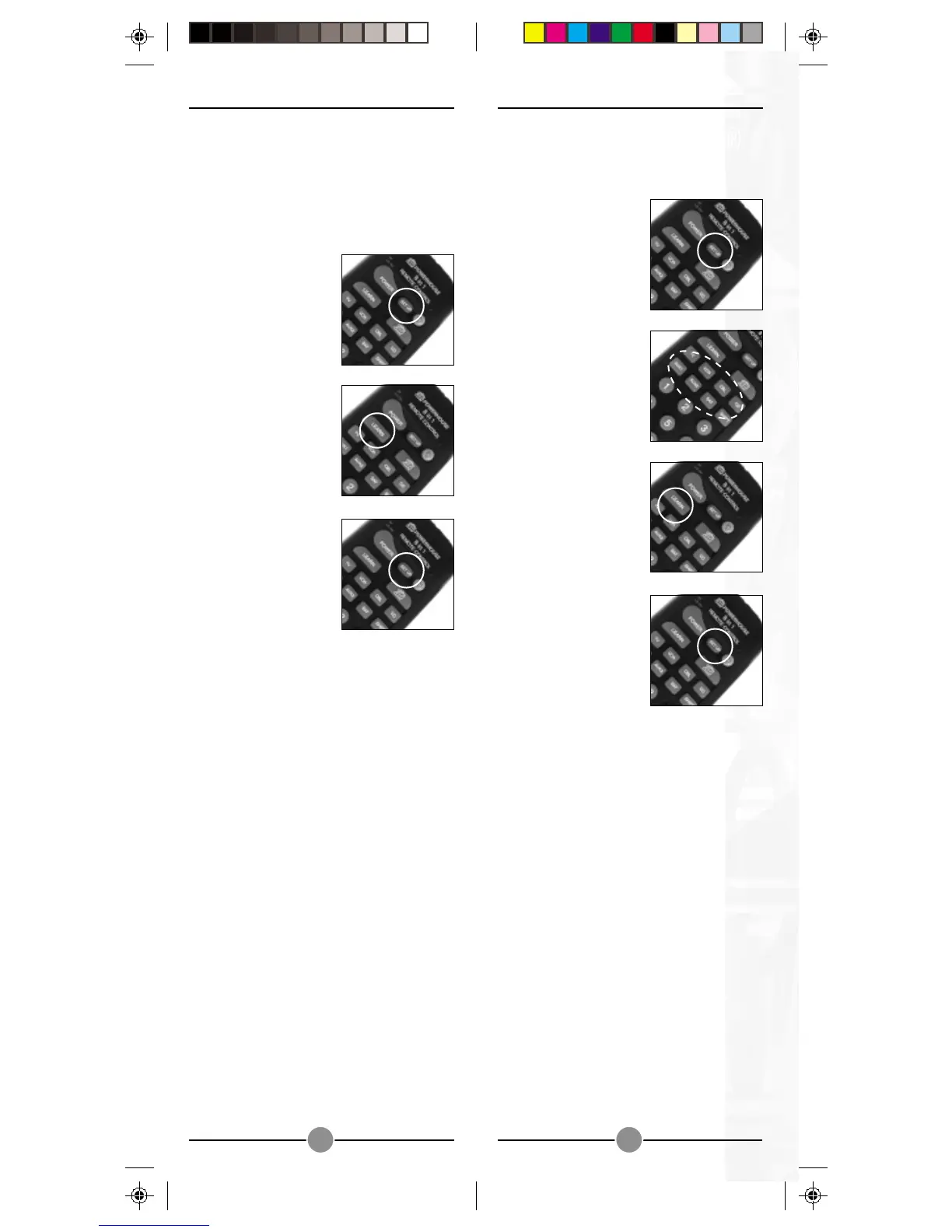
You can also clear the memory for just a
particular mode (TV, VCR, etc.).
1.1.
1.1.
1. Press and hold
SETUP until the LED
indicator lights
steadily. Release
the SETUP button.
2.2.
2.2.
2. Press and release
the desired mode
button (TV, VCR,
etc.). The LED blinks
once.
3.3.
3.3.
3. Press the LEARN
key. The LED blinks
once.
4.4.
4.4.
4. Press SETUP. The
LED turns off after a
few seconds.
CLEARING THE MEMORCLEARING THE MEMOR
CLEARING THE MEMORCLEARING THE MEMOR
CLEARING THE MEMOR
YY
YY
Y
It is recommended that you clear the
memory in the Learning SuperRemote
before you start programming it:
1.1.
1.1.
1. Press and hold
SETUP until the LED
indicator lights
steadily. Release
the SETUP button.
2.2.
2.2.
2. Press and release
the LEARN key
twicetwice
twicetwice
twice.
3.3.
3.3.
3. Press and release
the SETUP key.


 To Next Page