Need help?
Do you have a question about the X10 UR74A and is the answer not in the manual?
Device complies with Part 15 of FCC Rules, subject to two conditions regarding interference.
Defines Controllers and Modules (Lamp, Transceiver) and how they interact.
Explains how to address modules using House Codes (A-P) and Unit Codes (1-16).
Instructions for installing a Transceiver Module, including placement and connections.
Instructions for installing a Lamp Module, including limitations and cautions.
Instructions for installing batteries in the 5-in-1 Learning Remote.
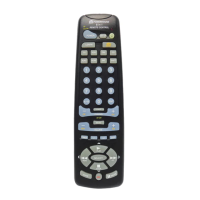
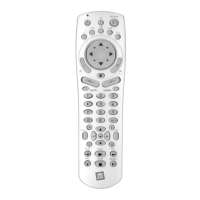
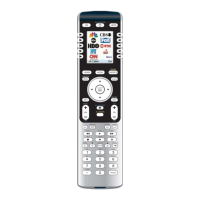
Explains the function of each button on the remote control.
Step-by-step guide to program the remote for audio/video devices using codes.
Procedure to find device codes when specific codes are not found in the library.
How to identify the correct code after performing a search.
Method to teach the remote new codes from existing remotes.
Lists the available X10 commands like On, Off, Bright, Dim.
Instructions for restoring default remote settings.
Steps to diagnose and fix issues with the Transceiver Module not responding.
Troubleshooting steps for when the Transceiver works but other X10 modules do not.
Solutions for when the remote fails to control audio/video devices.
 General
| Brand | X10 |
|---|---|
| Model | UR74A |
| Type | Universal Remote |
| Number of Devices Controlled | 4 |
| Connectivity | Infrared |
| Infrared Frequency | 38 kHz |
| Battery Type | 2 x AA |
| Compatible Devices | TV, VCR, Cable Box |
| Programming | Manual Code Entry |


 To Next Page