11
10
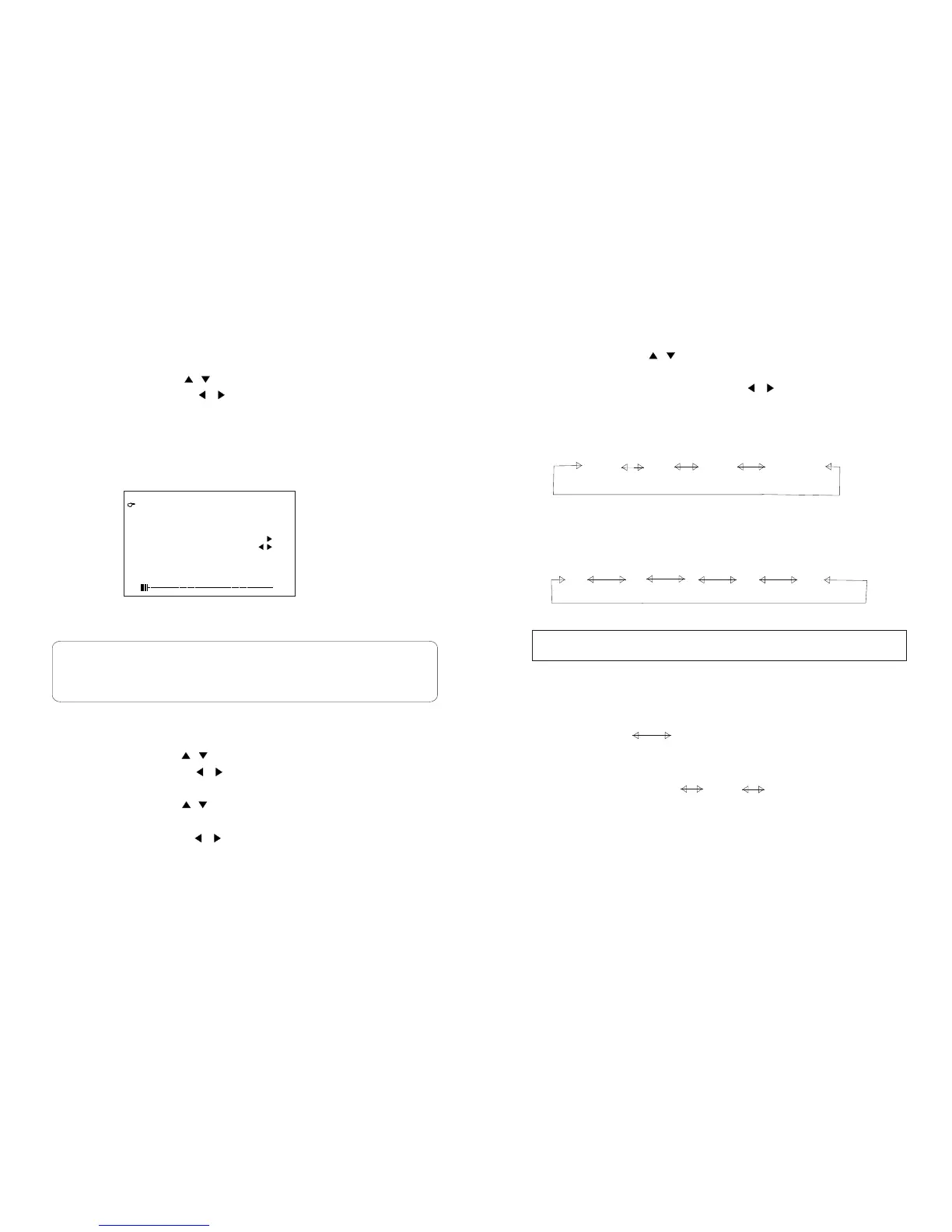
1. Press the MENU button, the PRESET menu screen appears.
2. Press the UP/DOWN( / ) button to select the desired function
mode.
3. Each time you press the LEFT/RIGHT( / ) button ,the setting
for individual item is change as follows:
The mode changes in the following order
Channels Skip
The mode changes in the following order
Fine tune
The frequency changes to allow fine tuning.
BAND: changes Band VHFL VHFH UHF
Channel Setting
The mode changes in the following order
AUTO
PAL
NTSC SECAM
Colour System
Sound System
BG DK I
YES NO
M L
Press the remote control AUDIO to change the ATV sound system
SKIP THIS
1. Press the MENU button, the PRESET menu screen appears.
2. Press the UP/DOWN( / ) button to select AUTO SEARCH item.
3. Press the LEFT/RIGHT( / ) button ,all the TV stations in your
area that can be received by the LCD TV set are automatically preset
between channels 0 to 99.
4. The screen shows whatever is on channel 1 when full auto channel
preset is finished.
1. Press the MENU button, the PRESET menu screen appears.
2. Press the UP/DOWN( / ) button to select item.
3. Press the LEFT/RIGHT( / ) button to locate the channel you
want to preset to the position.
4. Press the UP/DOWN( / ) button to select MANUAL SEARCH
item.
CHANNEL
F. PRESET ATV
Presetting the channels(AUTO search)
Notes:
1.When starting the Auto searching after setting, The colour system and
sound system for all channel are stored into memory.
2.Unused channels are automatically skipped.
Presetting the channels(Manual Search)
CHANNELCHANNEL
COLOUR SYSTEMCOLOUR SYSTEM
SOUND SYSTEMSOUND SYSTEM
AUTOAUTO
BGBG
MANUAL SEARCHMANUAL SEARCH
FINE TUNEFINE TUNE
SKIP THIS SKIP THIS
11
NONO
5. Press the LEFT/RIGHT( / ) button search is initiated and when
a ATV signal is received during the search .the search stops.
6. Repeat step 2.3.4.5 above to preset the channel position for other
broadcasts etc.
PRESETPRESET
AUTO SEARCHAUTO SEARCH
200.25MHZ200.25MHZ
BANDBAND
VHFHVHFH


 To Next Page
 Loading...