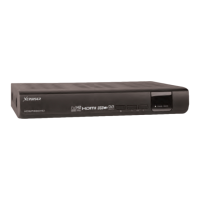
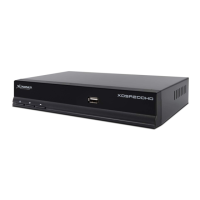
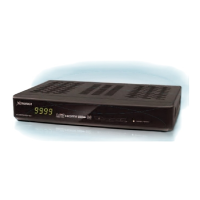
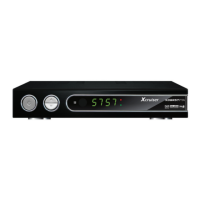
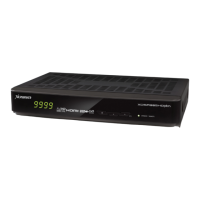
XDSR600HD
2
Index
5.1 In case of S2 + S2 (Satellite + Satellite) Tuners 21
5.2 In case of T(T2) + T(T2) (Terrestrial + Terrestrial) Tuners
22
5.3 In case of C + C (Cable + Cable) Tuners
22
5.4 In case of S2 + T(T2) (Satellite + Terrestrial) Tuners
23
5.5 In case of S2 + C (Satellite + Cable) Tuners
23
5.6 In case of T(T2) + C (Terrestrial + Cable) Tuners
23
Guide of Functions 24
1. Selecting a Service
24
1.1 Using CH UP/DOWN Buttons
24
1.2 Using Service List
24
1.3 Using Simple Service List
24
1.4 Using Recent Service List
25
2. Information Window
25
3. Multi-Picture Display
25
4. Electronic Program Guide (EPG)
25
5. Favorite Group
26
6. Volume Control
26
7. Pause
27
8. Subtitle
27
9. Audio Control
27
10. Teletext
28
11. PIP (Picture in Picture)
28
PVR (Personal Video Recorder) Function 30
1. Recording
31
Index 2
Precautions 4
1. Important Safety Instructions
5
2. Notice
5
3. Copyright
6
4. Disclaimer
6
5. Trademarks
6
Before You Begin 6
1. Main Features
6
2. Accessories
7
Hardware Description 8
1. Front Panel Conguration
8
2. VFD (Vacuum Fluorescent Display)
8
3. Rear Panel Conguration
9
4. Remote Control Unit
13
5. Multi-Brand IR Remote Controller Setting
16
Connecting diagram 17
1. Receiver to A/C Power
17
2. Receiver to TV with Digital A/V Output
17
3. Receiver to TV with Analog A/V Output
18
4. Receiver to TV and VCR
19
5. Connecting to Antenna Cable
20



 To Next Page