XS9900D Xcruiser Satellite-Meter ENG- 12
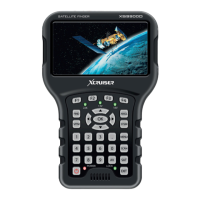
16 POWER-button Switch devise on/off
13 SCAN-button Display the auto scan menu
21 AC adapter port Low volt port – for power supply connection
20 USB-Port USB port for PC connection
9 SPTRUM button Display the menu of spectrum
14 AV button Press for AV in and out
2 AV port AV input / output
15 SAT button Press for the satellist
22 Speaker Sound


 To Next Page