9.1
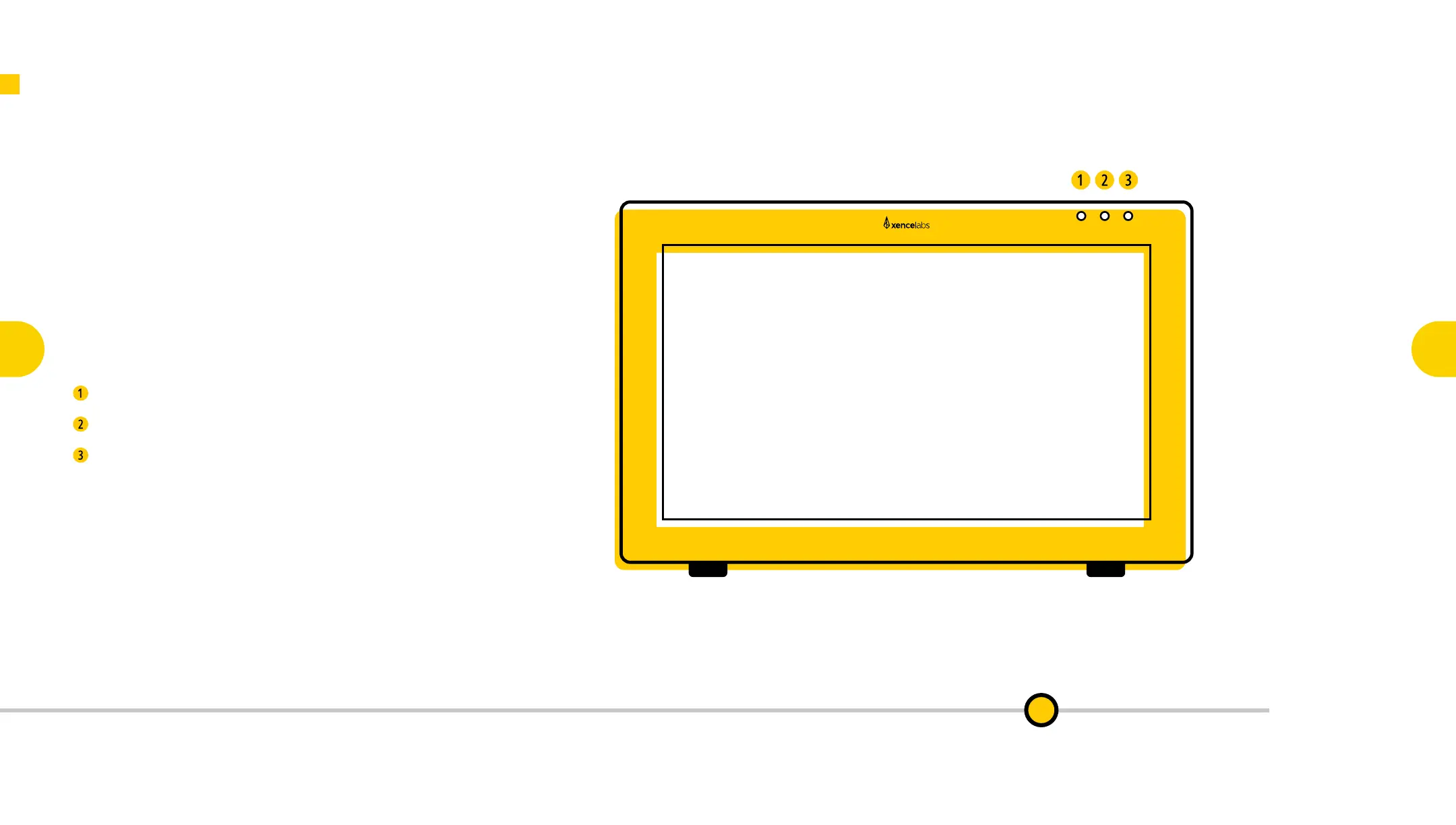
Device Control Buttons
Three convenient device control buttons give you quick
access to the Pen Display 24’s fully congurable options.
Launch Settings: Bring up your Settings Panel.
Adjust Pressure: Easily tweak your pen pressure.
Switch Display: Pop your pen cursor on to external
displays using your Virtual Tablet.
Key Functionality of the Pen Display 24
Key Functionality
of the
Pen Display 24
9
Key Features of the
Pen Display 24
3
Connecting the
Pen Display 24
4
Key Features of
the Quick Keys
6
Connecting
Quick Keys
Wirelessly
7
Key Functionality
of the
Quick Keys
10
Register Your
New Product
11

 To Next Page
 Loading...