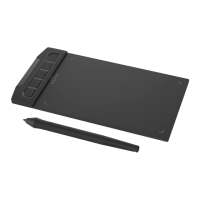
Setup your graphics tablet on Mac OS4
P3-1060
Xenx graphics tablet supports Mac OS 10.12 or later. Please follow the below instructions to install
Xenx Driver software on your Mac computer.
Download the Xenx Driver software from our ofÞcial website www.xenx-tech.com/download
Click the and select the version of CPU of your Mac computer
CPU
Download
Unzip the Þle and run the installation Þle by double click it
Follow the instructions to complete the installation. Restart your computer if prompted
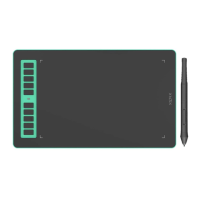
Now you can connect your P3-1060 tablet to your computer with the USB type-C cable
Step 5
USB
Type-C
If you see the below warning after installing the Xenx Driver software, please update the system
preferences with the following steps:
Open ÒSystem PreferencesÓ -> ÒSecurity and PrivacyÓ
Look for “XenxTabletShadow” and allow it
Note
M1
1
2
3
4
5

 To Next Page
 Loading...