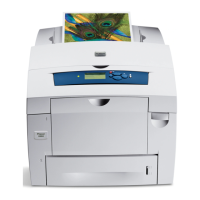
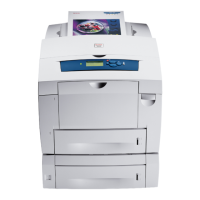
Phaser 840 and 850 Color Printers
Disconnecting the cables
Once the printer completes its shut down process, the front panel goes blank.
Once this happens, disconnect the power cord and all other cables from the
printer.
Repacking the printer and its accessories
W
A
R
N
I
N
G
The printer weighs about 36 kg (79 lb.). Do not attempt to lift it without the
assistance of another person.
1. Repack the media tray.
Position the cardboard tray insert into the
media tray to prepare it for shipping. Reinsert the media tray into the
printer.
2. Repack the printer.
Position the lower cushion insert in the shipping
tray, as shown. Lower the printer onto the cushion inserts. Place the
plastic bag provided over the printer. Place the cushion inserts on each
side of the printer.
3. Repack the printer’s accessories.
Place the power cord, cleaning kit,
and all printer documentation in the area provided in the accessories
box, as shown.
Do not ship a partially used maintenance drawer


 To Next Page
 Loading...