6 Xerox
®
Phaser
®
and Xerox
®
WorkCentre
®
Small-Business-Class Color Printers and Multifunction Printers Evaluator Guide
Xerox
®
Phaser
®
and Xerox
®
WorkCentre
®
Printers
and Multifunction Printers
Evaluating Your Needs
When evaluating which color printer
or multifunction printer best addresses
your needs, it’s important to have a clear
understanding of exactly what those
needs are.
Do you need a no-frills printer or
multifunction printer that connects directly
to a single workstation? Or does your
workload demand a higher-performance
device that’s designed to support the
printing, copying, faxing, scanning and
emailing needs of several networked users
in a fast-paced environment?
When evaluating your day-to-day office
needs, consider these factors:
• Print-only vs. print / copy / scan / fax / email
• Number of users
• Network connectivity
• Output speed
• Recommended monthly print volume
• Paper capacity
• Automatic document feeder
• Automatic two-sided printing
• Maximum print cartridge capacity
• Device dimensions
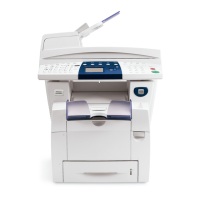
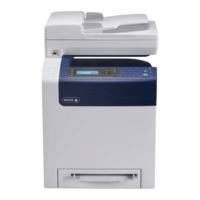
Consult the following chart for a device-
by-device listing of these capabilities
and performance attributes on the Xerox
®
small-business-class color lineup.
Consider the capabilities you need and the performance requirements of your office.









 To Next Page