66
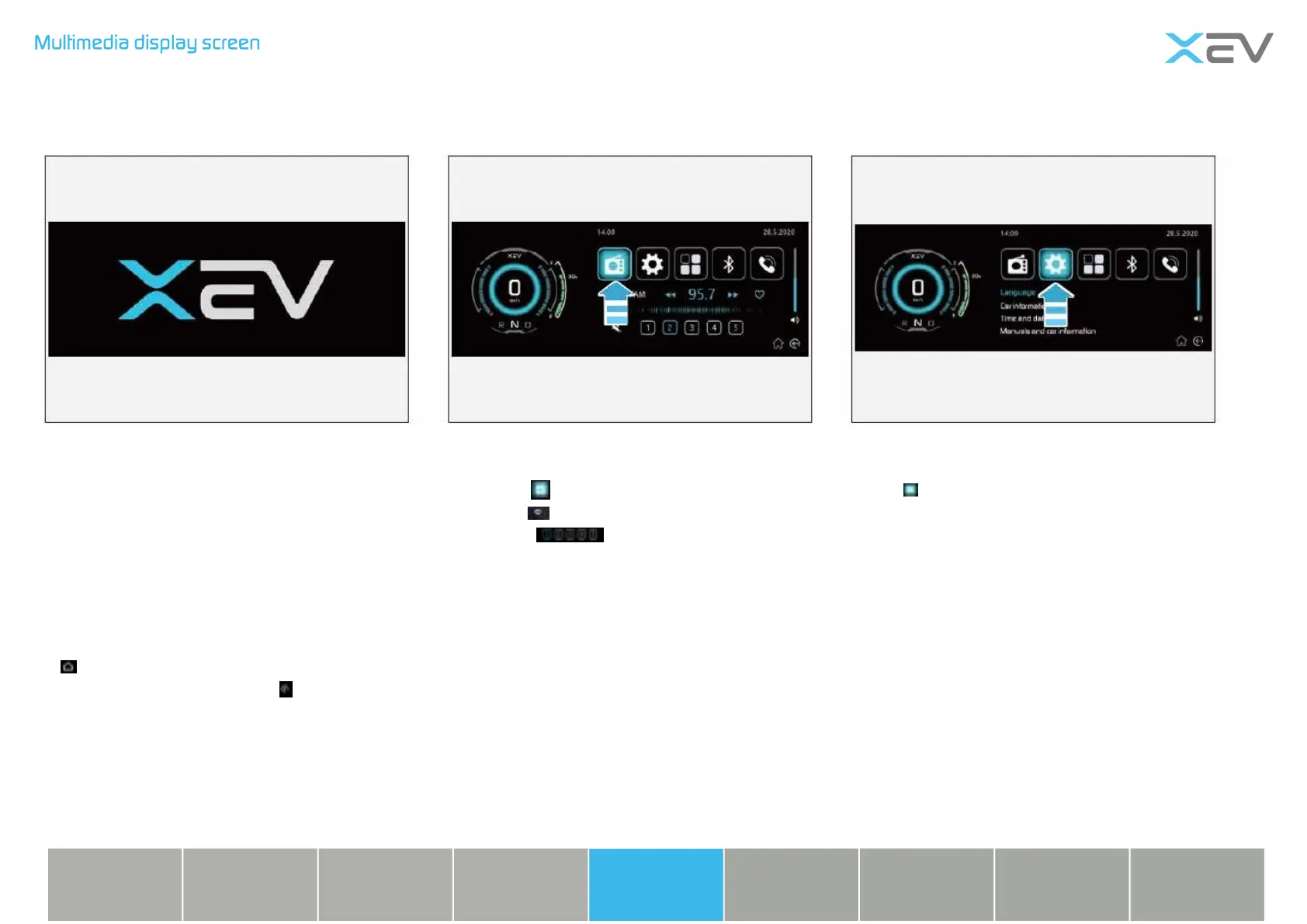
Click on “ ”. The radio starts, FM after
FM, click to save, at most could save ve
channels,
Click Digital Play to save the channel.
Boot screen: boot animation, voice welcome
message “welcome to XEV”
Click to enter into setting interface.
Boot screen Radio Setting interface
Multimedia button introduction
Click the button at the bottom of the screen
“ ”, both could enter the main interface.
Click the lower right corner , you can
go back to the previous level. Volume
adjustment, nger touch up and down.
Charging
device
Lighting
device
Vehicle
device
Emergency
treatment
Technical
information
Instrument &
control devices
Safety
device
Starting &
driving
Repair &
maintenance



 To Next Page