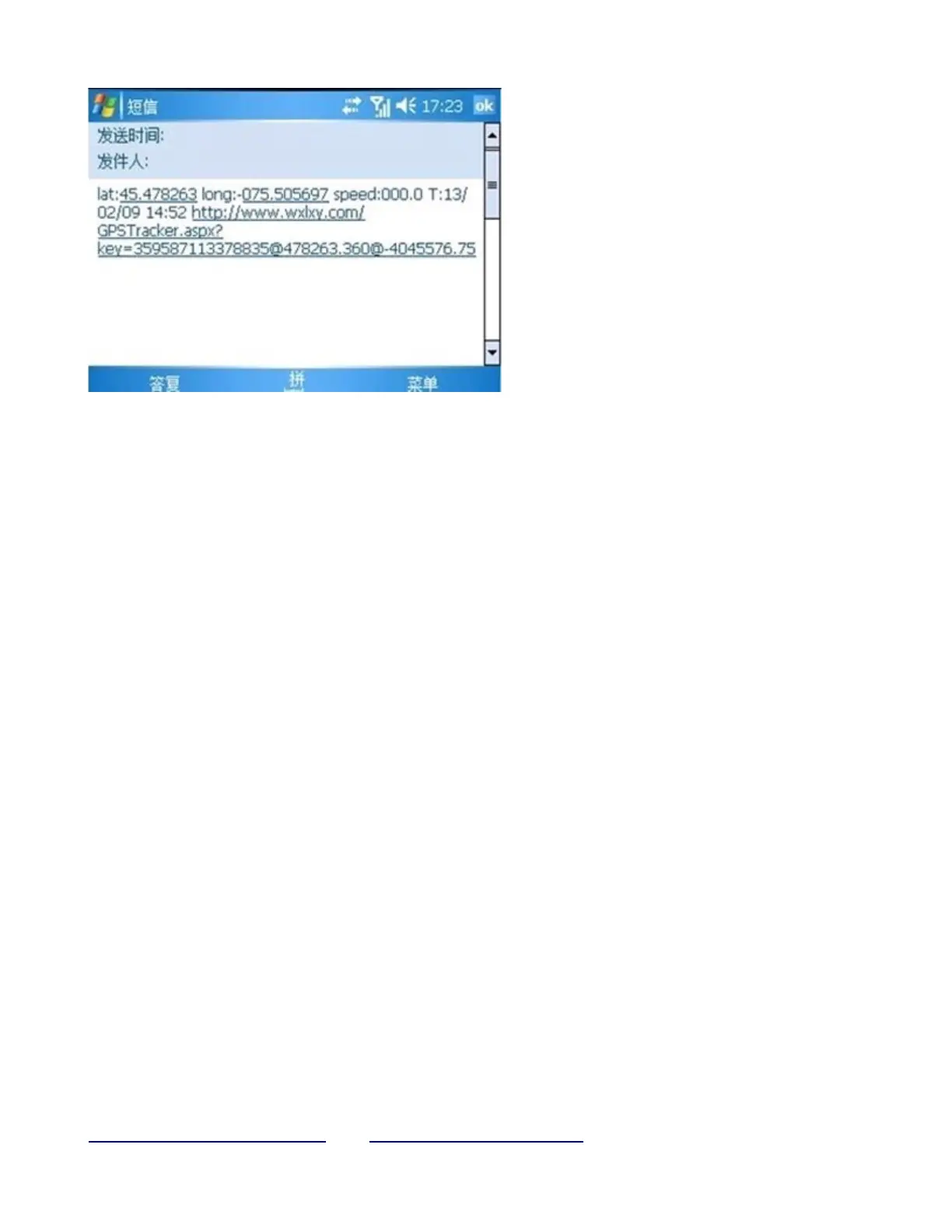
*Tracking location, the SMS information about the lat./long.
Received is the place received the GPS signal when the GPS signal is weak.
Please check the time received the SMS if there are some errors of the location.
5.8 Auto Track
Report a Geo-info at 30s intervals to the authorized numbers for 5 times:
5.8.1 Set up: Send SMS t030s005n+password to the unit, it will report the Geo-info at
30s intervals for 5 times.(s: second, m: minute, h: hour).
The setting must be in 3 digits and at maximum 255 in value.
5.8.2 Send SMS t030s***n+password to the unit, it will reply SMS heaps of times
5.8.3 Cancel:
Send notn+password to delete the “ auto track ”
Remark:
The interval must not be less than 20s.
5.9 Voice Surveillance
In this mode, the user can dial up the unit to monitor the voice
(please refer to 5.10 for instruction).
5.10 Modes switch between “track” and “monitor”
5.10.1 The default mode is “track”.
5.10.2 Send SMS monitor+password to the unit, and it will reply “monitor ok!” and
switch to “monitor”mode.
5.10.3 Send SMS tracker+password to the unit, it will reply “tracker ok!” and restore to “track” mode.
custom_efficiency@yahoo.com www.customsales.webs.com Phone: +316-5326-7060


 To Next Page