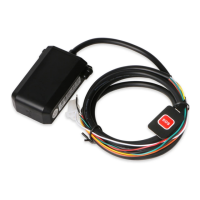
Traffic mode.
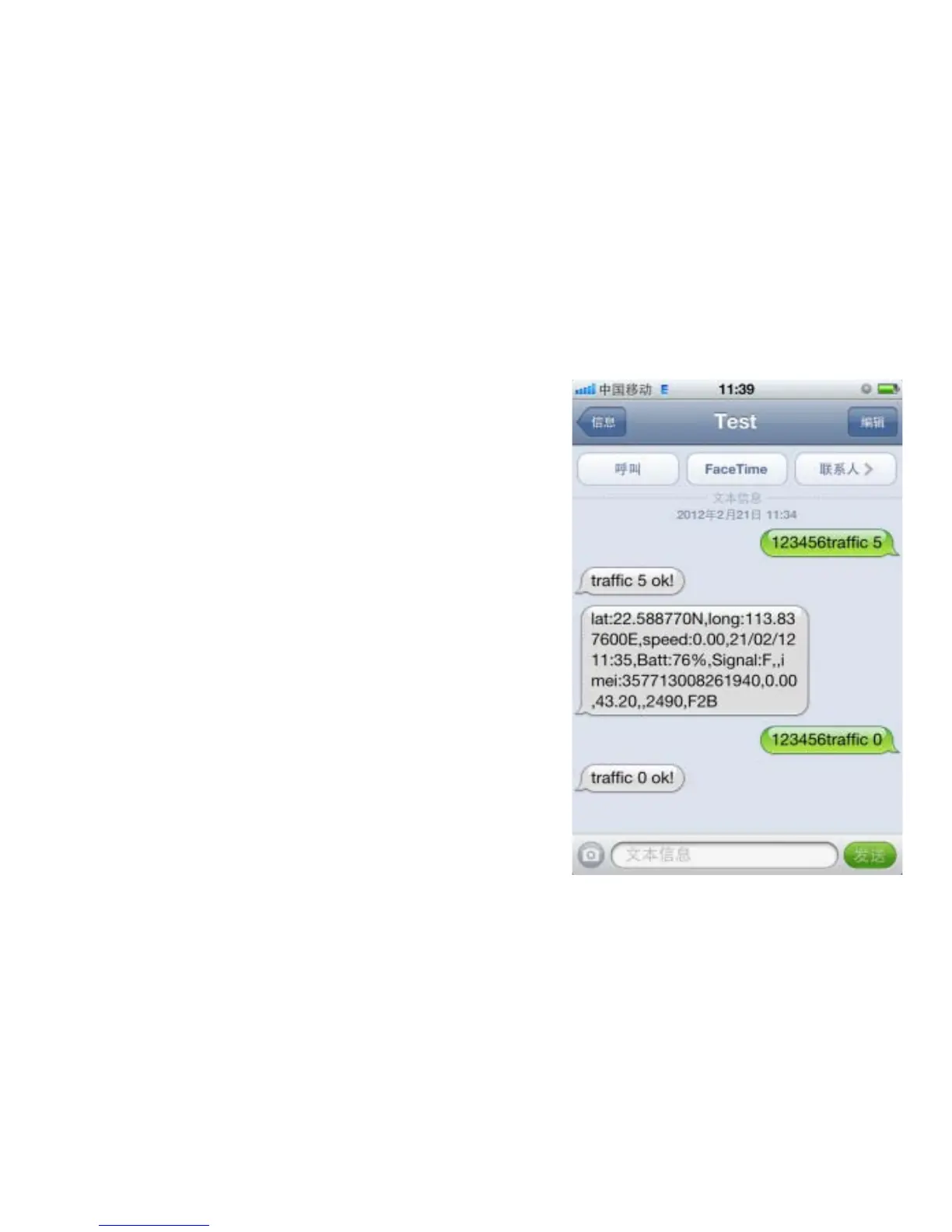
Send SMS "123456traffic 5" to the unit,
will reply "traffic 5 ok!". 5 stands for the
sensibility level, setting from 0 to 10. 0
means closing the function. When moving,
the unit will send GPS data to monitor
platform or mobile phone automatically
every 30 seconds; when stay still, the unit
will go to sleep. Send "123456traffic
0”when needs to cancel.


 To Next Page