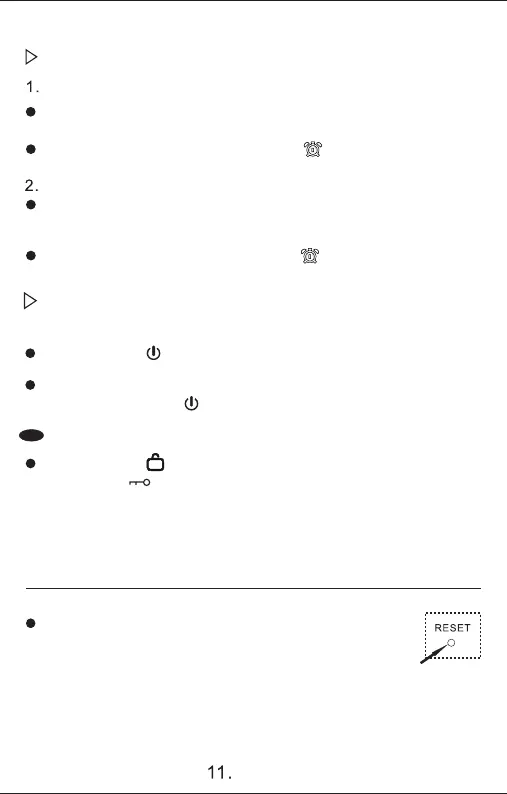
In rare situations such as accidental interference, the system
may experience keyboard and breeding button malfunctions,
display confusion, etc. Press the reset button with a sharp
Set how the alarm turns on
Radio alarm mode
Turn on the power, select the radio frequency you want to use as the
alarm, and adjust the appropriate volume
Press and hold the (M) key, the alarm icon ( ) will flash for 3 seconds to
confirm automatically, and the setting is completed.
Play TF card music alarm mode
Insert the music TF card and turn on the power
Short press the (M) key to enter TF card playback and adjust the
appropriate volume.
Press and hold the (M) key, the alarm icon ( ) will flash for 3
seconds and then automatically confirm that the setting is completed.
Operations after turning on the alarm clock
After using the alarm clock to start the computer, you need to turn it off
Short press the ( ) key twice to turn off the machine
To cancel the radio alarm clock lock frequency and music alarm clock lock,
please short press the ( ) key
Keyboard lock
Press and hold ( ) for 5 seconds to lock the keyboard and (Tuning) button,
and the icon ( ) will light up. Press and hold for another 5 seconds to
unlock the keyboard and (Tuning) button.
System Reset
object to reset the system



 To Next Page