· Do not expose this appliance to rain or moisture
· Do not submerge or expose to water
· Protect from high humidity and rain
· Only operate within specified temperature range(0°C to 40 °C)
· Unplug immediately if liquid has been spilled or debris have fallen into the unit
· Clean only with a dry cloth. Do not use detergents or chemical solvents as this
might damage the appearance
· Do not attempt to open the unit
· When the battery is fully charged, charging will stop automatically. If the screen
doesn’t display, please take the battery out and install again, or charge the radio
until the screen starts the indication.
1. Install 1 x 18650 battery in the battery compartment, paying attention to the
polarity of battery’ + and – ends
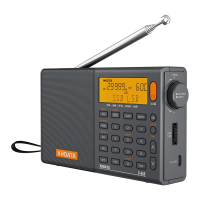
2. Turn on the radio by pressing the ‘POWER’ button
3. Adjust the volume by rotating the ‘VOLUME’ knob
4. Select band by pressing the band button
5. Use the ‘TUNING’ knob to locate a desired station or by directly entering a
frequency:
a) First, select the band you desire
b) Quick press the ‘FREQ’ button
c) Enter the frequency on the keyboard


 To Next Page