08
Method 3: Networking via network cable
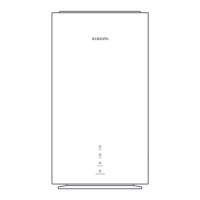
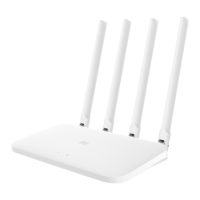
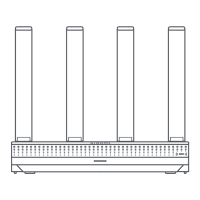
1. Make sure the main router is connected to the network. Place the satellite router in the location
where you need Wi-Fi coverage and turn it on.
2. Connect the WAN port of the satellite router to the LAN port of the main router via a network
cable. Then the main router's indicator will start blinking blue, and the router is waiting for the Mesh
networking.
Note: If there is no WAN or LAN port, use any port of the router.
3. When the indicator/Internet indicator turns white or blue, the Mesh networking is completed.
WAN port or any port WAN port or any portLAN port or any port
Main router
Satellite
router
Internet
WAN port or any port
Network cable
Network cableNetwork cable
Internet
Press the mesh button
Main router






 To Next Page