Fig. A
Read this manual carefully before use, and retain it for future reference.
Product Overview
1
2
3
4
5
6
7
8
9
10
11
12
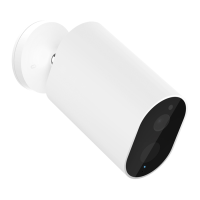
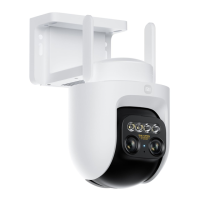
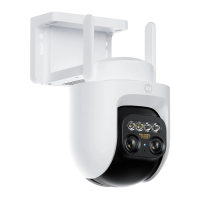
Package Contents: Xiaomi Outdoor Camera CW700S, power adapter, waterproof tape for power cable, wall/ceiling
mounting template sticker, screw accessory kit, waterproof network port accessories, user manual
Illustrations of product, accessories, and user interface in the user manual are for reference purposes only.
Actual product and functions may vary due to product enhancements.
Make sure that the camera is unplugged. Open the waterproof cover above the microSD card slot and insert a
microSD card with its contact points facing down.
Unplug the camera when inserting or removing the microSD card. Please use a microSD card from a
qualified brand (the camera supports a microSD card of 8 GB to 256 GB. The microSD card may
need to be formaed via Seings > Manage storage on the camera’s plug-in page in the Xiaomi
Home app). It is recommended that the microSD card has a read/write speed of no less than
U1/Class 10.
CAUTION:
How to Use
Installing a microSD card
Aer installing or removing the microSD card, make sure to place the waterproof cover back on the card slot
properly to prevent water from entering the camera and affecting normal use.
Antenna
Waterproof Cover
microSD Card Slot
Reset Buon
Fill Light
Lens
Wall Mount
Speaker
Power Port
Microphone
Indicator
Network Cable Port
4
Note:
Note:
(Fig. B)
●
英文
俄语
泰语
印尼语
法语(欧洲)
德语
西班牙语(欧洲)
阿拉伯语
意语
波语
葡萄牙语(欧洲)
巴西葡萄牙语
土耳其语
乌克兰语
捷克语



 To Next Page