18
Step 2: Turn on the microscope
Long press the Power button 3s,when the blue indicator light is flashing,which means the
device is turned on.
Step 3: Connect the microscope to IOS/Android device
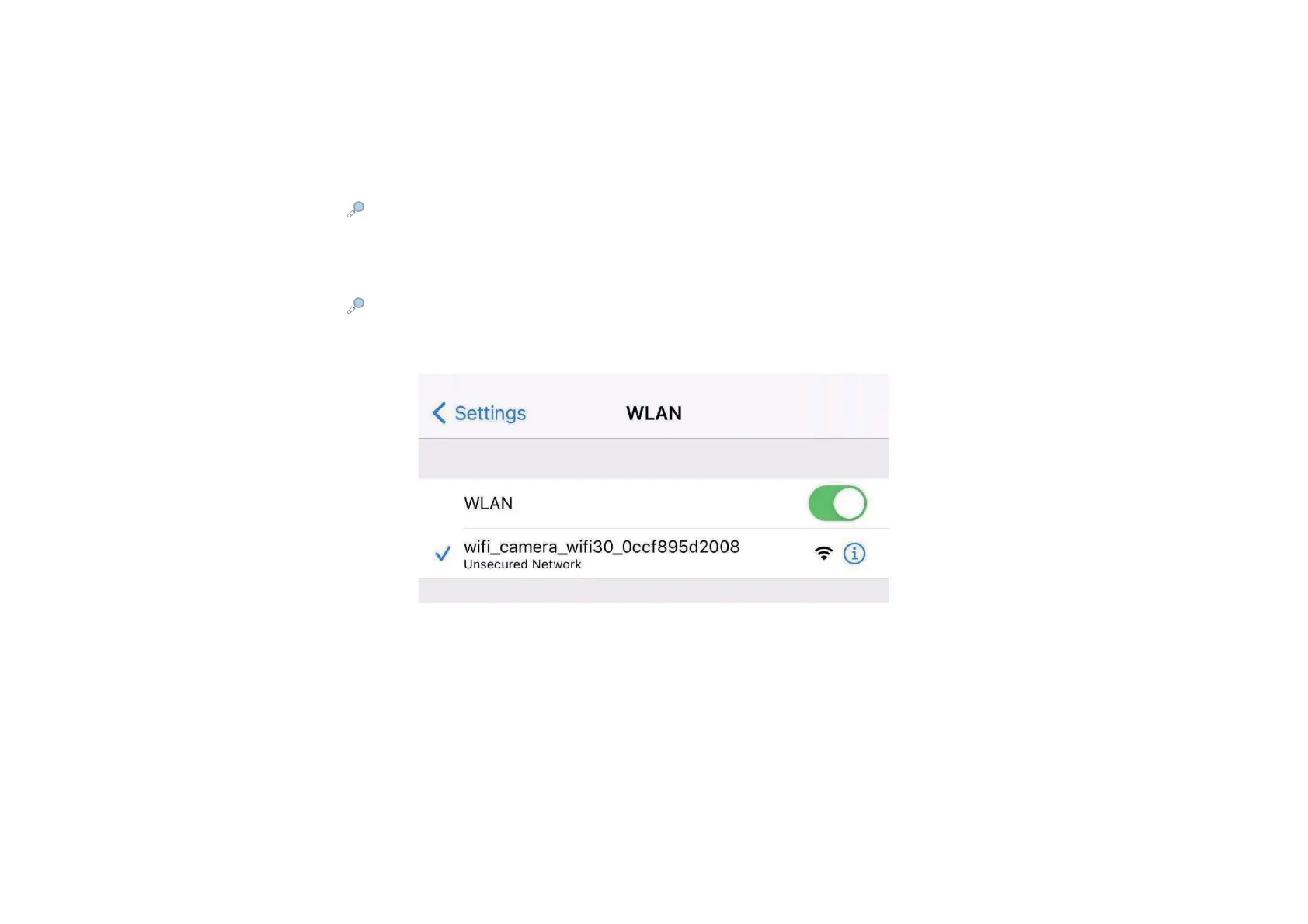
Open the smartphone’s WiFi setting,find the name of WiFi :wifi_camera_wifi30_xxxx,click to
connect,then run APP, you will see the main interface at this APP.


 To Next Page