EasyManua.ls Logo

Xiaomi DDL-M1 - User Manual

Xiaomi DDL-M1
33 pages
Print Icon
To Next Page IconTo Next Page
Loading...
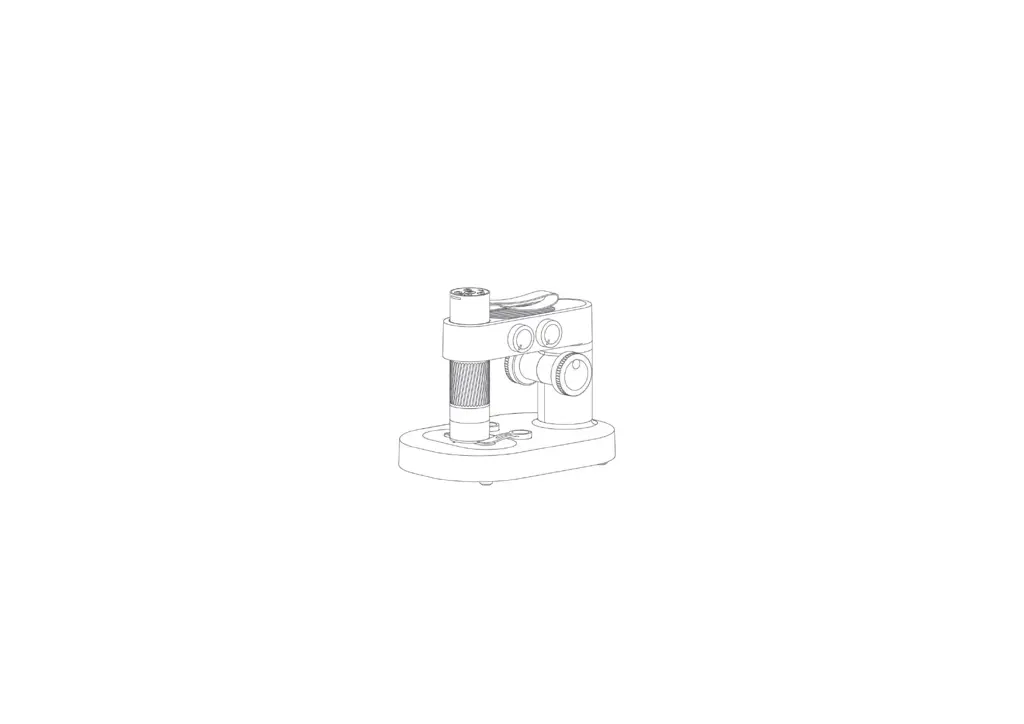
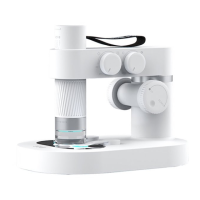
DDL-M1 Intelligent Microscope
Operating Instruction V1.0

Questions and Answers

  • K
    Kaitlyn SilvaAug 2, 2025
    Why does my Xiaomi DDL-M1 APP fail to connect or suddenly go offline?
    • G
      gary59Aug 3, 2025
      If your Xiaomi Microscope APP is failing to connect or suddenly goes offline, try the following: * Repeat the connection at close range. * Charge the device. * Turn off the APP and restart the device before using it. * If the problem persists, it may need to be sent for repair.
  • E
    Edward CamachoAug 7, 2025
    What to do if my Xiaomi DDL-M1 cannot be charged?
    • C
      cmorrisonAug 7, 2025
      If your Xiaomi Microscope isn't charging, try these steps: Re-plug the interface and ensure it's properly plugged in. If it still doesn't charge, it may need to be sent for repair.
  • R
    Robert MooreAug 11, 2025
    How to fix Xiaomi Microscope that cannot connect to the computer software terminal?
    • L
      Lindsey BirdAug 11, 2025
      If your Xiaomi Microscope cannot connect to the computer software terminal, try these solutions: Re-plug the interface, replace the data cable, or replace the data cable with one that supports data transmission before connecting.
  • K
    Kyle JohnsonAug 15, 2025
    What to do if my Xiaomi DDL-M1 product cannot be turned off or the buttons are malfunctioning?
    • P
      paul09Aug 15, 2025
      If your Xiaomi Microscope cannot be turned off, or the buttons are malfunctioning, it may be due to the system halting. Please plug in the power to reset and restart the device.
  • P
    paul12Aug 20, 2025
    Why is the Xiaomi DDL-M1 Microscope lens showing a blurred image?
    • D
      Daniel WellsAug 20, 2025
      If the lens of your Xiaomi Microscope is showing a blurred image, it may be due to dramatic changes in ambient temperature causing the lens to fog. Wait for the temperature to stabilize and use it after the fog disappears for a period of time.
  • J
    Jonathan GarciaAug 25, 2025
    Why are specimens observed with foreign bodies and not observed clearly with my Xiaomi DDL-M1 Microscope?
    • D
      Daniel WrightAug 25, 2025
      If specimens observed through your Xiaomi Microscope appear to have foreign bodies and are not clear, it could be because the specimen surface or the observation panel is dirty. Wipe the specimen surface and clean the surface of the panel.
  • A
    Arthur MorenoAug 28, 2025
    Why is my Xiaomi DDL-M1 Microscope heating during charging?
    • D
      Diane CastroAug 29, 2025
      Heating during charging of your Xiaomi Microscope is a normal phenomenon.

Summary

Notice for Use

Product Introduction

Microscope Installation Instructions

Guides the installation process for the microscope components.

Microscope Stand Installation

Charging Instructions

Microscope Monomer Introduction

How to Use the Microscope

Microscope Base Introduction

How to Use the Microscope Base

Accessories and Tools

APP Usage Guide

How to Use on Android;iOS

Instructions for downloading and using the app on Android and iOS devices.

Windows PC Software Setup

Steps to download and install software for Windows users.

MAC PC Software Setup

Steps to download and install software for MAC users.

Microscope Trouble Shooting

Product Performance Failure Table

Storage Environment

Operating Environment

Xiaomi DDL-M1 Specifications

General IconGeneral
BrandXiaomi
ModelDDL-M1
CategoryMicroscope
LanguageEnglish