9
偙 How to Use the Microscope
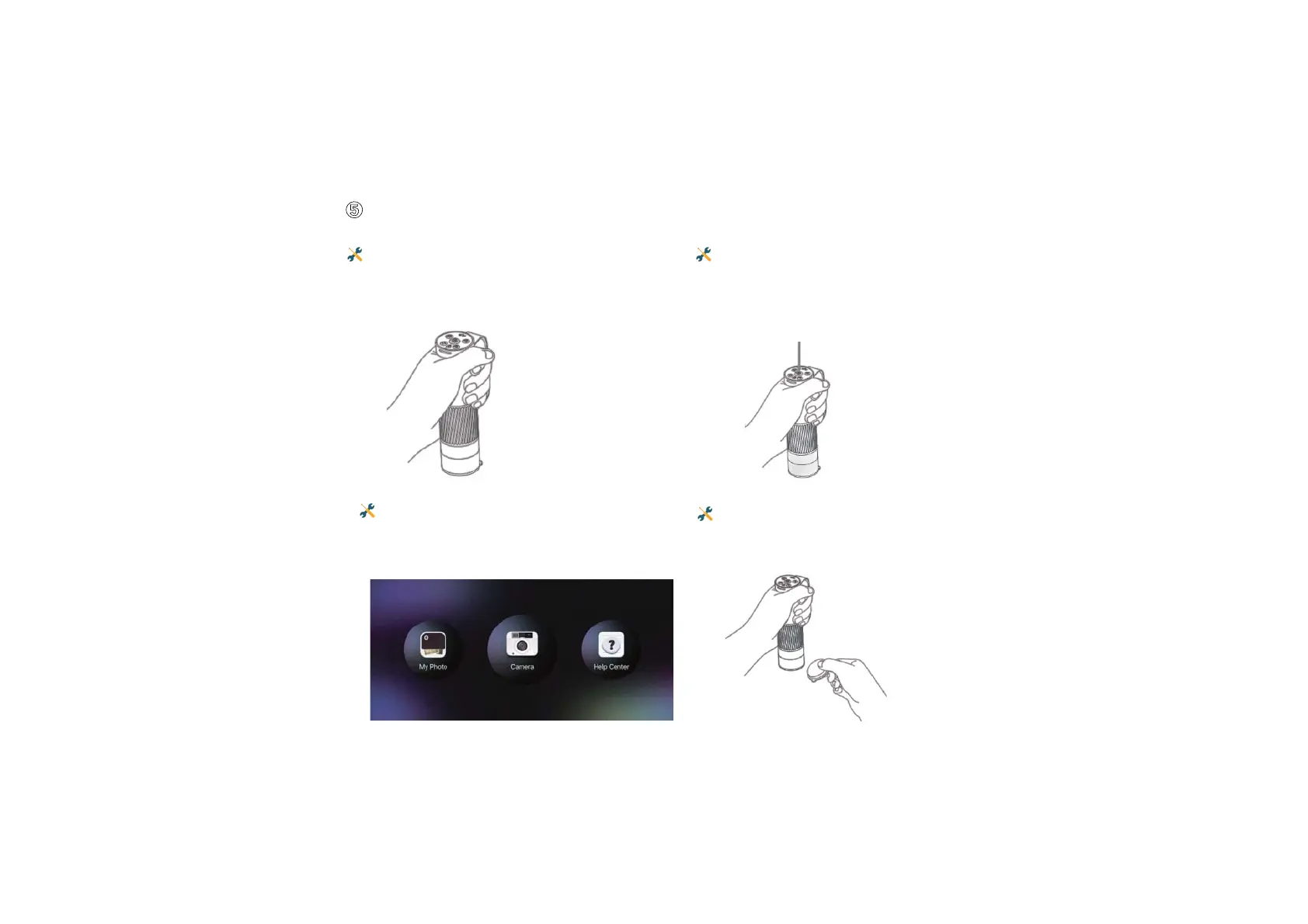
Connect the microscope and mobile app
via WiFi.
Remove the lens cover.
Hold the upper part of the microscope with
one hand, the tip of the finger can be put
into the hand strap to avoid falling.
Turn on the microscope by pressing the
power button.


 To Next Page