02
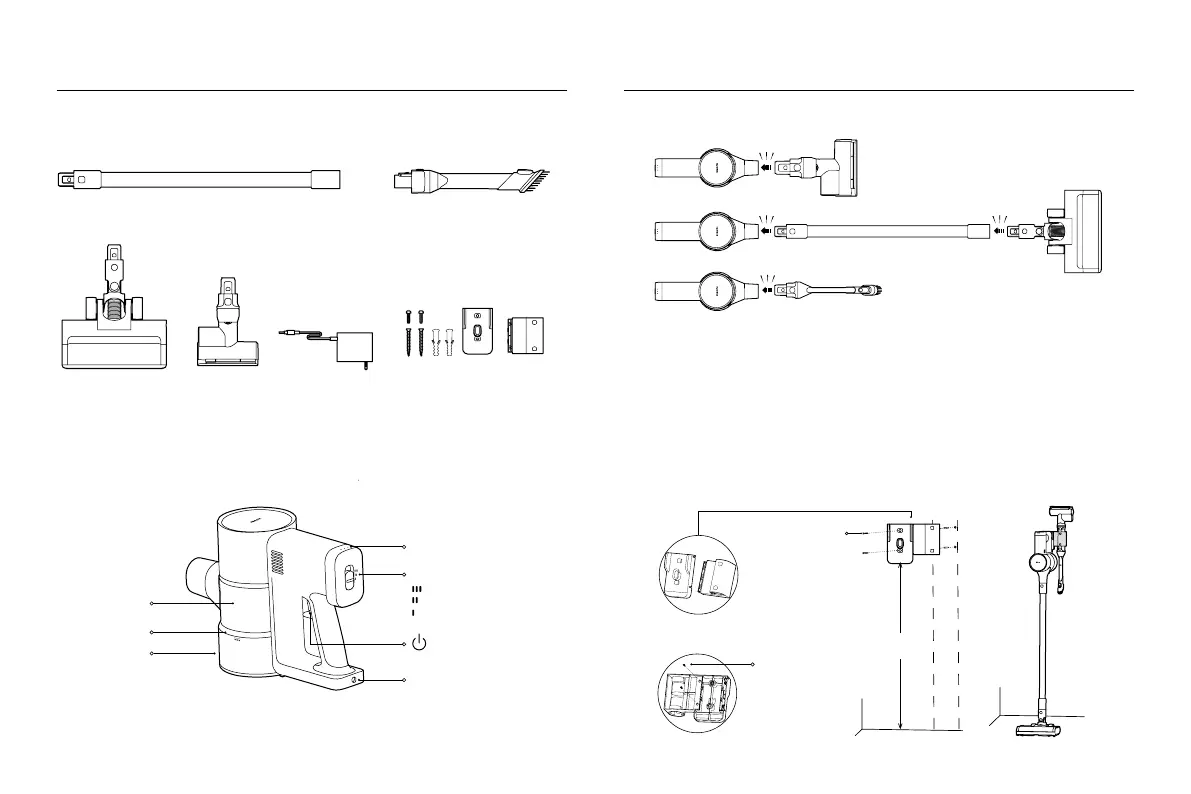
Accessory List Installing the Accessories onto the Vacuum Cleaner
Extension Rod
Electric Brush Bar
(Equipped with Headlight)
Wall Storage Mount Kit (includes
storage mount piece × 2,
self-tapping screw A × 2,
self-tapping screw B × 2,
wall plug × 2)
Mini Electric Brush
Filter
Dust Compartment
Battery Level Indicator
Mode Button
Dust Release Button
Power Supply
Click
Click
Click
Click
2-in-1 Brush Nozzle
Note: Illustrations of product, accessories, and user interface in the user manual are for reference purposes only.
Actual product and functions may vary due to product enhancements.
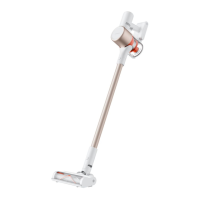
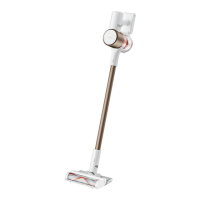
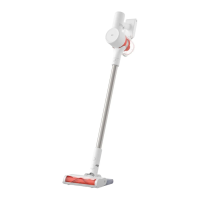
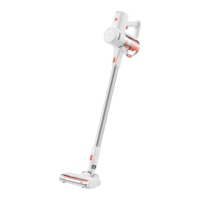
Vacuum Cleaner
Press to turn on/off
Charging Port
Product Overview How to Install
Installing the Wall Storage Mount
1. Assemble the wall storage mount: Line up the storage mount pieces to attach them, then secure them in place
by self-tapping screw A on the back, as illustrated.
2. Choose the location: Find a cool and dry place with an electrical outlet nearby. The distance between the
bottom of the wall storage mount and the ground is recommended to be 102.8 cm.
3. Drill the holes: Make marks on the wall according to the holes on the storage mount. Use a power drill with a 5
mm drill bit to drill a hole approximately 40 mm deep in each marked position, and then insert the wall plug into
each hole.
4. Install the storage mount: Align the holes in the storage mount with the holes drilled in the wall, and then use
the self-tapping screw B to secure the mount to the wall.
Note: When drilling the holes, make sure that there are not any wires or pipes in the wall directly behind where
the mount will be installed.
102.8 cm
High Power Mode
Standard Mode
Energy-saving Mode
Self-tapping
screw B
Self-tapping
screw A






 To Next Page