EasyManua.ls Logo

Xiaomi Mi Robot Builder Rover - User Manual

Xiaomi Mi Robot Builder Rover
8 pages
Print Icon
To Next Page IconTo Next Page
Loading...
This version is for private use only and should not be distributed.
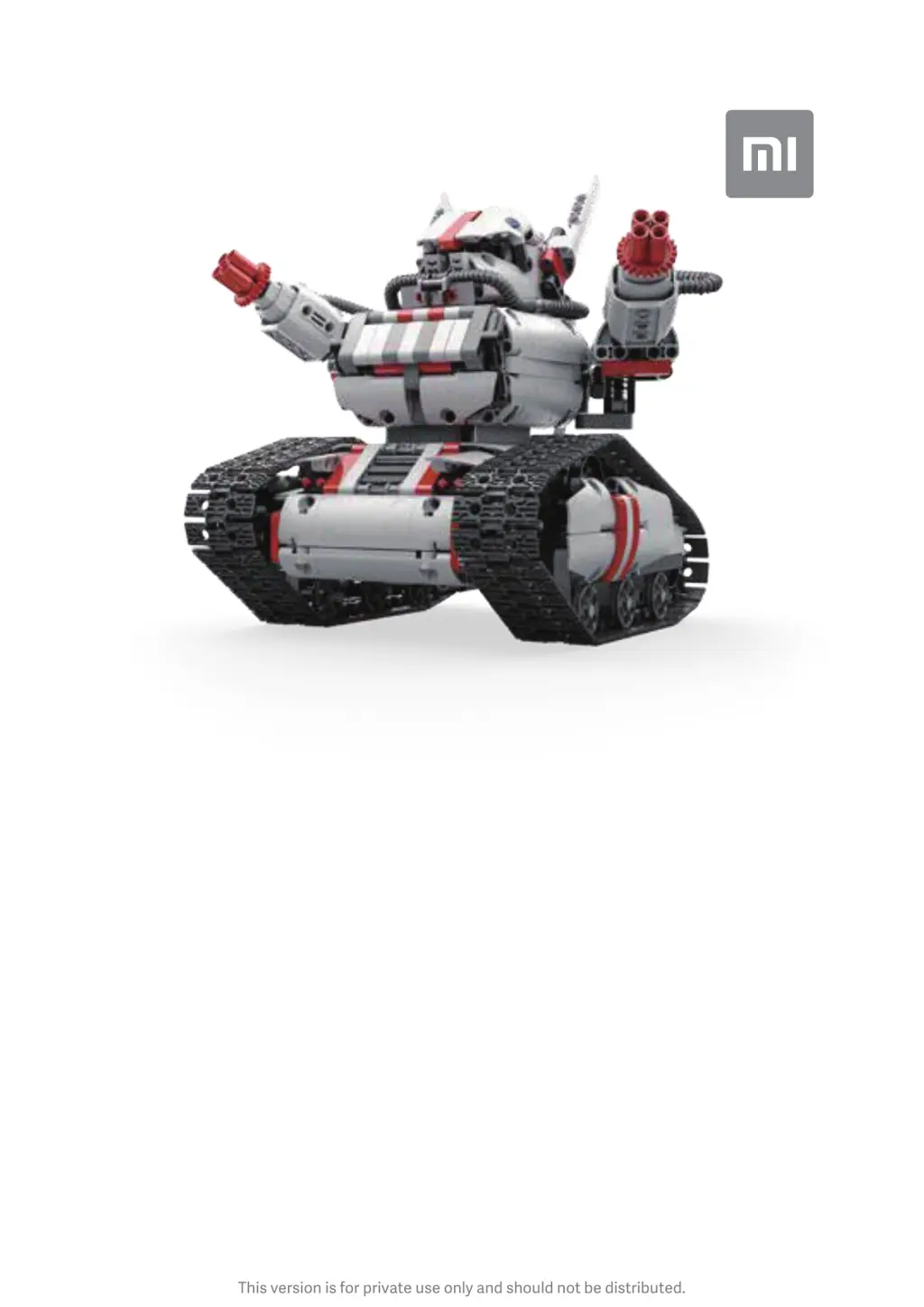
Mi Robot Builder Rover
User Manual

Questions and Answers

  • K
    kathysmithAug 12, 2025
    What to do if the program doesn't run on my Xiaomi Mi Robot Builder Rover Robotics?
    • J
      Joel WoodAug 12, 2025
      If the program isn't running on your Xiaomi Robotics, here are a few possible reasons and solutions: 1. Check if the Bluetooth connection is active. If it's disconnected, reconnect it. 2. Make sure you've tapped the Play button to start the program. 3. Verify that Programming mode is turned on. If it's off, switch it on.
  • A
    Amanda Herman PhDAug 16, 2025
    Why my Xiaomi Mi Robot Builder Rover can't charge?
    • B
      Brandon WashingtonAug 16, 2025
      If your Xiaomi Robotics isn't charging, it might be due to using an incompatible power adapter. Ensure you are using a compatible power adapter.
  • J
    James JohnsonAug 20, 2025
    How to fix shaky walking of my Xiaomi Robotics?
    • S
      Shannon LewisAug 20, 2025
      If your Xiaomi Robotics walks shakily, it might not be assembled properly. Refer to the building instructions to ensure you've assembled the robot correctly.
  • G
    Garrett CrawfordAug 23, 2025
    Why can't I connect my Xiaomi Robotics via Bluetooth?
    • B
      Brian MorenoAug 23, 2025
      If you're having trouble connecting your Xiaomi Robotics via Bluetooth, there are a couple of things to check: * First, ensure that the controller is turned on. * Second, make sure that Bluetooth is enabled on your phone. These steps should help establish the connection.
  • A
    Aaron BurnsAug 27, 2025
    What to do if the power button doesn't respond on my Xiaomi Mi Robot Builder Rover controller?
    • D
      debra88Aug 27, 2025
      If the power button on your Xiaomi Robotics controller isn't responding, the most likely cause is a low battery. Try charging the controller to resolve this issue.
  • R
    Rhonda GrimesAug 31, 2025
    What to do if I can't use the app to control the Xiaomi Robotics?
    • M
      mholtAug 31, 2025
      If you can't control your Xiaomi Robotics using the app, the issue might be due to a disconnected Bluetooth. Try connecting via Bluetooth again.
  • D
    Deanna MackSep 3, 2025
    Why does the indicator light turn red after a firmware upgrade on my Xiaomi Mi Robot Builder Rover Robotics?
    • E
      Erik ChavezSep 4, 2025
      If the indicator light turns red after a firmware upgrade and an error sound prompt is played on your Xiaomi Robotics, it could be due to: * A disconnected Bluetooth. Try connecting via Bluetooth again. * Low battery. Charge the controller.
  • M
    Mr. Mark HicksSep 7, 2025
    Why doesn't the indicator light turn red when charging my Xiaomi Robotics?
    • J
      Joseph LewisSep 8, 2025
      If the indicator light doesn't turn red when you're charging your Xiaomi Robotics, the power adapter might not be connected properly. Ensure that the power adapter is correctly connected.

Summary

Product Specifications

General Specifications

Details product name, model, materials, piece count, weight, dimensions, and recommended age.

Power and Connectivity

Covers input voltage, battery type, capacity, and wireless connectivity details.

Environmental Parameters

Specifies storage and operating temperature ranges for the product.

Product Overview

Intelligent Brick

Details the components and functions of the intelligent brick, including ports and buttons.

Adapter

Information about the power adapter, its model, input/output specifications, and charging indicator.

Motor and Assembly

Describes motor components, assembly steps, and initial inspection of the robot.

Powering On and Off

Instructions on how to turn the robot on and off using the power button.

App Installation and Usage

Download and Connect

Guide to downloading the Mi Robot Builder app and connecting the robot via Bluetooth.

Firmware Updates

Instructions and precautions for updating the robot's firmware through the app.

Safety and Compliance

Precautions

Important safety warnings and guidelines for product use and charging.

Declaration of Conformity

Statement of compliance with relevant directives and environmental disposal information.

Troubleshooting

Common Issues and Solutions

Addresses common problems like connectivity, power, and programming with their respective solutions.

Xiaomi Mi Robot Builder Rover Specifications

General IconGeneral
BrandXiaomi
ModelMi Robot Builder Rover
CategoryRobotics
LanguageEnglish

Related product manuals