05
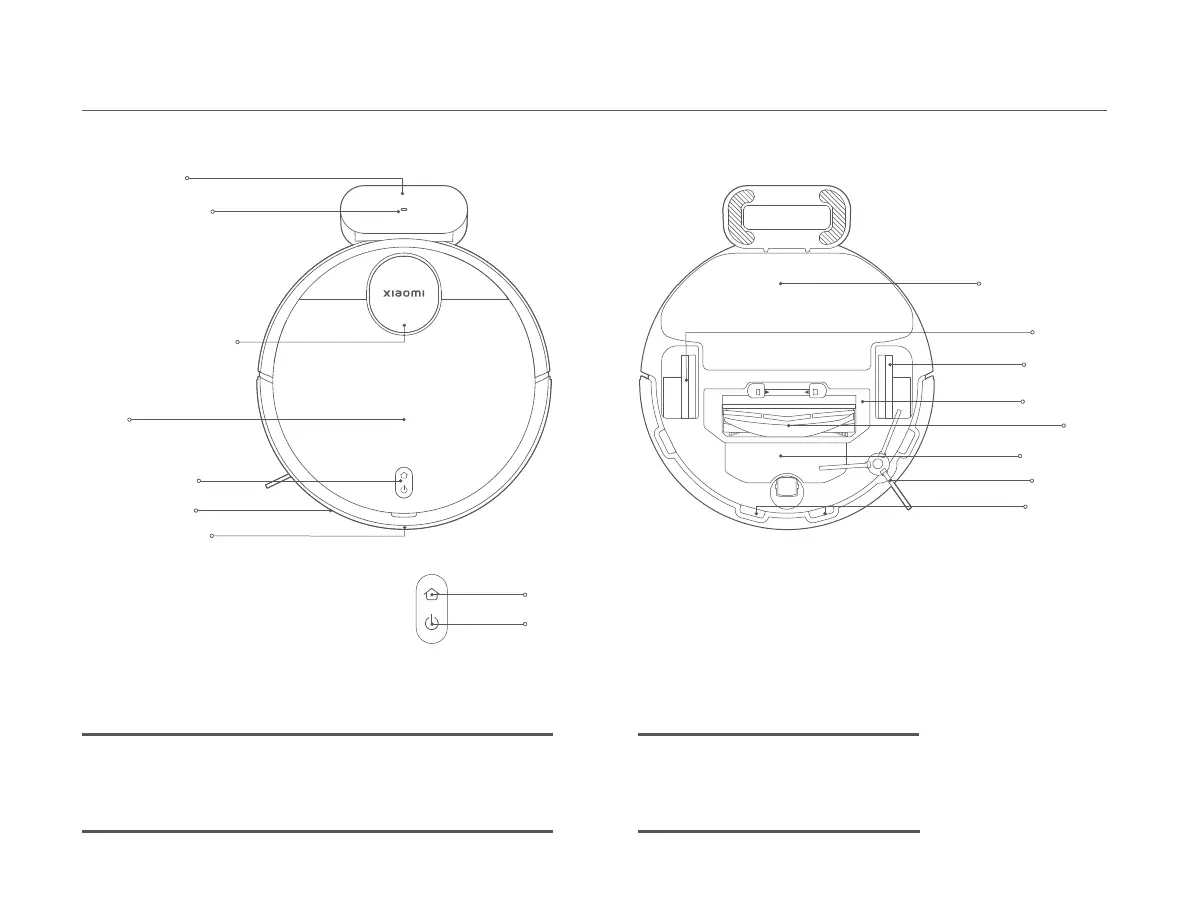
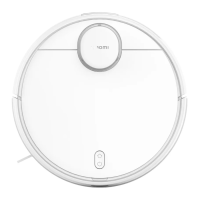
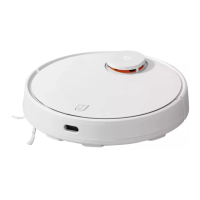
Product Overview
Cover
Laser Distance Sensor
Buon/Indicator
Charging Dock
Le Wheel
Baery Pack
Mop Pad Assembly
Cliff Sensor
Right Wheel
Side Brush
Brush Cover
Brush
IR Receiver Sensor
Collision Sensor
Indicator Status Descriptions
Working normally
In charging
Returning to charge/Firmware is upgrading
White
Slowly blinking white
Blinking white
Wi-Fi disconnected
Error
Shutdown/In sleep
Yellow
Blinking yellow
Off
Charging Indicator
(Remain white when the robot
vacuum is connected to power)
Turn on/off: Press and hold for three seconds
Start/Pause cleaning: Press
Return to charge/stop docking: Press







 To Next Page