2.3RemoteController
S1
S2
S3
S4
Bal
Mute
F1
Volume
-
+
❺
4
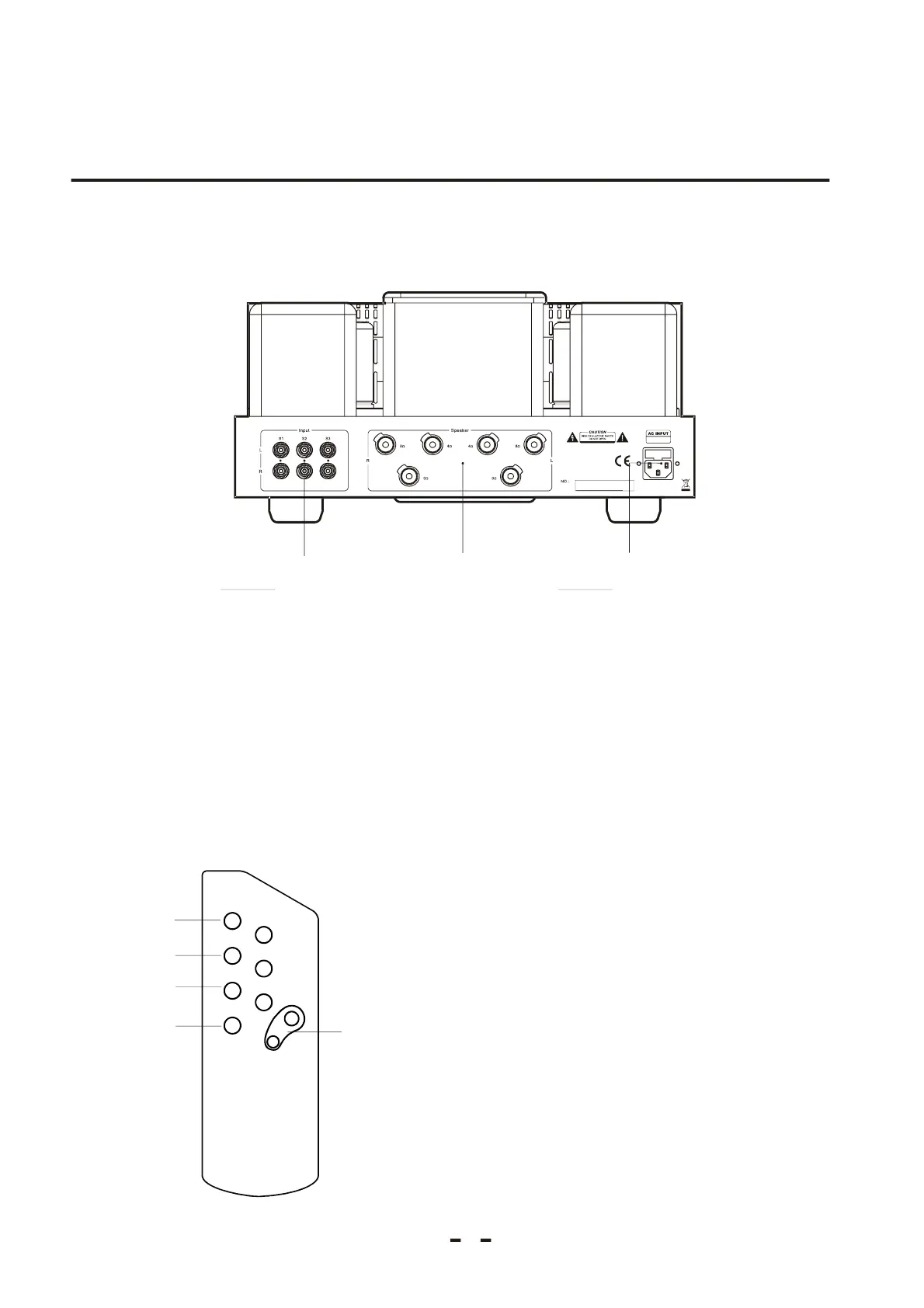
2.2RearPanel
Chapter2
Signalinputjack
ConnecttheinputsignalbyRCA.
Thespeakerbindingpost
Choosethesuitablebindingpostofthisunittobeconnectedtotheleftandrightchannelofthe
loudspeakeraccordingtotheresistenceofyourloudspeaker,4ohmor8ohm.
Powersupplyinputjackandsafetycutoutjack
Connectittothepowersupplybyattachedpowercord.
Mute:Mutebutton
S-1:Soundsourceselectionbutton
S-2:Soundsourceselectionbutton
S-3:Soundsourceselectionbutton
Volume+/Volume-:Soundvolumecontrolbutton
❶❷❸
❶
❷
❸
❶
❷
❸
❹
❶
❷
❸
❹
❺
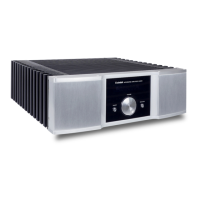
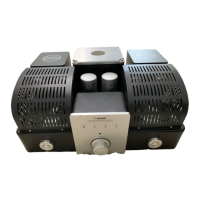
ProductAppearance


 To Next Page