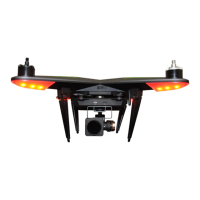
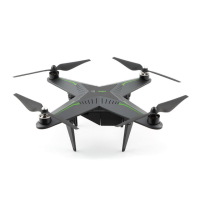
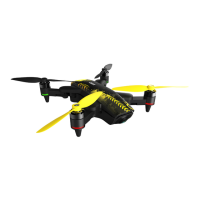
Overall view of Xplorer Mini
The Xplorer Mini
Flight indicators status
Front flight indicators
Motor (4x)
Camera
Upper cover (Replacing of battery)
Propeller
Wi-Fi default pin hole
Ultrasonic sensor and optical flow module
power button
Ventilator
Propeller guard
Data transmission port (Micro USB)
Fold lock button (4x)
Rear flight indicators
Indicators blink green slowly | GPS locked, GPS satellites signal is normal.
Indicators blink red slowly | The battery level is low and the Xplorer will suggest to return
to its home position, normally the last takeoff point.
Indicators blink yellow fast | Unlock motors in restrict zone.
Indicators blink red fast | Battery level is critical, the Xplorer will automatically land.
Indicators blink red and yellow fast and alternately | GPS failure, please restart the system.
Indicators blink red and yellow slowly and alternately | Compass failure, please recalibrate the
Xplorer.
Solid green | Horizontal calibration.
Solid red | Return home, Lost connection - Auto return home.
Indicators blink green fast | IOC (headless) mode, only available in GPS flight mode.
Solid yellow | Vertical calibration.
Solid yellow | Sensor data abnormal.
Indicators blink yellow slowly | Attitude flight mode, GPS positioning and Visual positioning are
not available.
Indicators blink yellow and green alternately | Self test.
Indicators blink green twice and then stop slowly | Visual positioning active, minimum number
of GPS satellites cannot be locked or the GPS signal is not available indoors. The Xplorer now
uses its visual positioning system to enable hovering.


 To Next Page