20 Digital Photo Frame
English
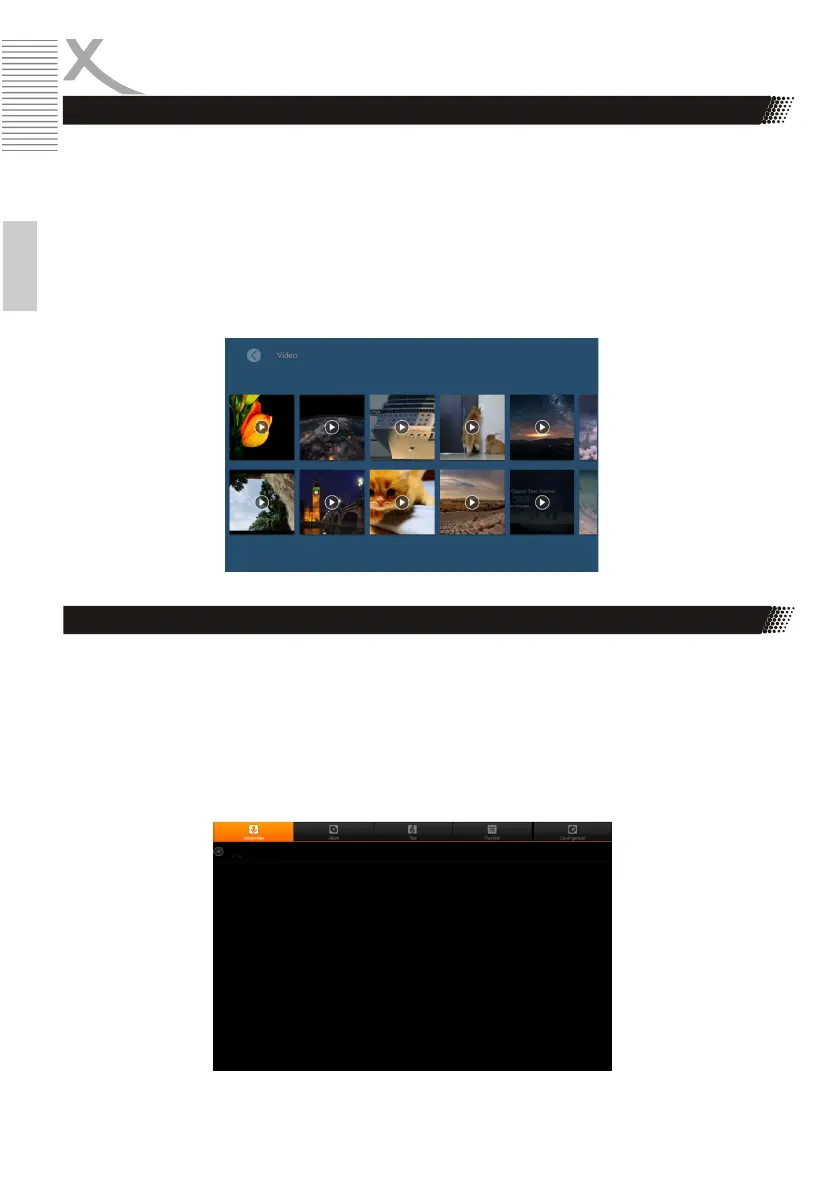
With the Digital Photo Frame you can watch movies in the MPEG-4 / AVI file format. You may need to
convert your videos to a compatible format for viewing.
• Select the "Video" option from the main menu and press the "ENTER" button. A list of
available videos is displayed.
• Select the desired video and press the "ENTER" button to play.
• Press the arrow keys to navigate and the "ENTER" key to execute the function.
The digital photo frame can play music in the MP3 file format.
• Select the "Music" option in the main menu and press the "ENTER" button. A list of available
music tracks from the connected mass storage device is listed.
• Select the desired track with the arrow buttons and press the "ENTER" button to play.
Watch Videos
Listen Music
OPERATION



 To Next Page