Digital Photo Frame 21
English
OPERATION
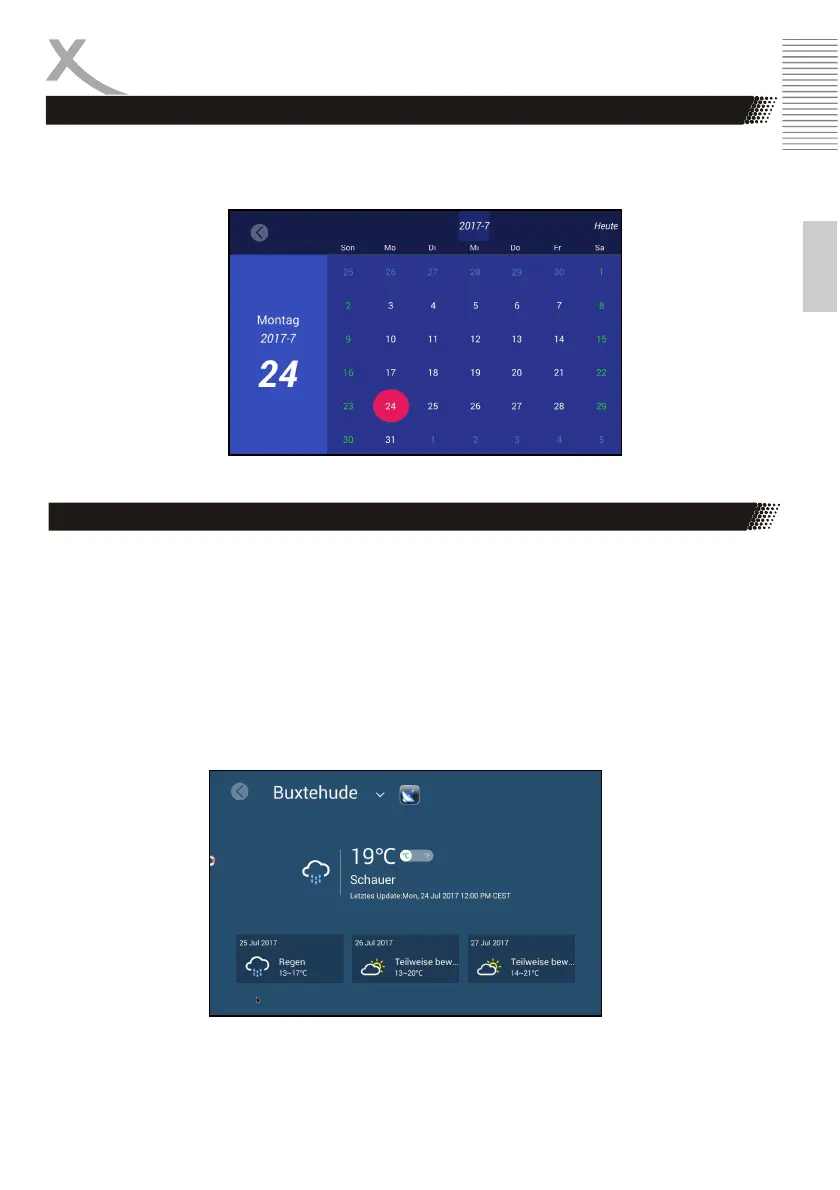
Calendar
To access the calendar, press the "Calendar" (bottom right) option on the main menu
(date).
Weather
To view the weather, press the "Weather" (top right) option in the main menu (X ° C / X ° F).
- Select city: You can select your city by going to the current city (in
the example picture "Buxtehude") and confirm by pressing the "ENTER" key. Now
search for your city and confirm with the "ENTER" key again.
- City automatically: Use the satellite button to access the weather station near you.
- ° Unit: You can switch between ° C and ° F with the slider.



 To Next Page