EasyManua.ls Logo

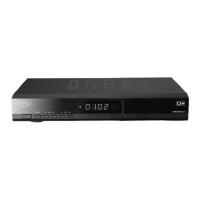
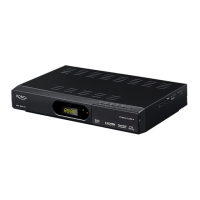
Xoro HRS 8600 CI - User Manual

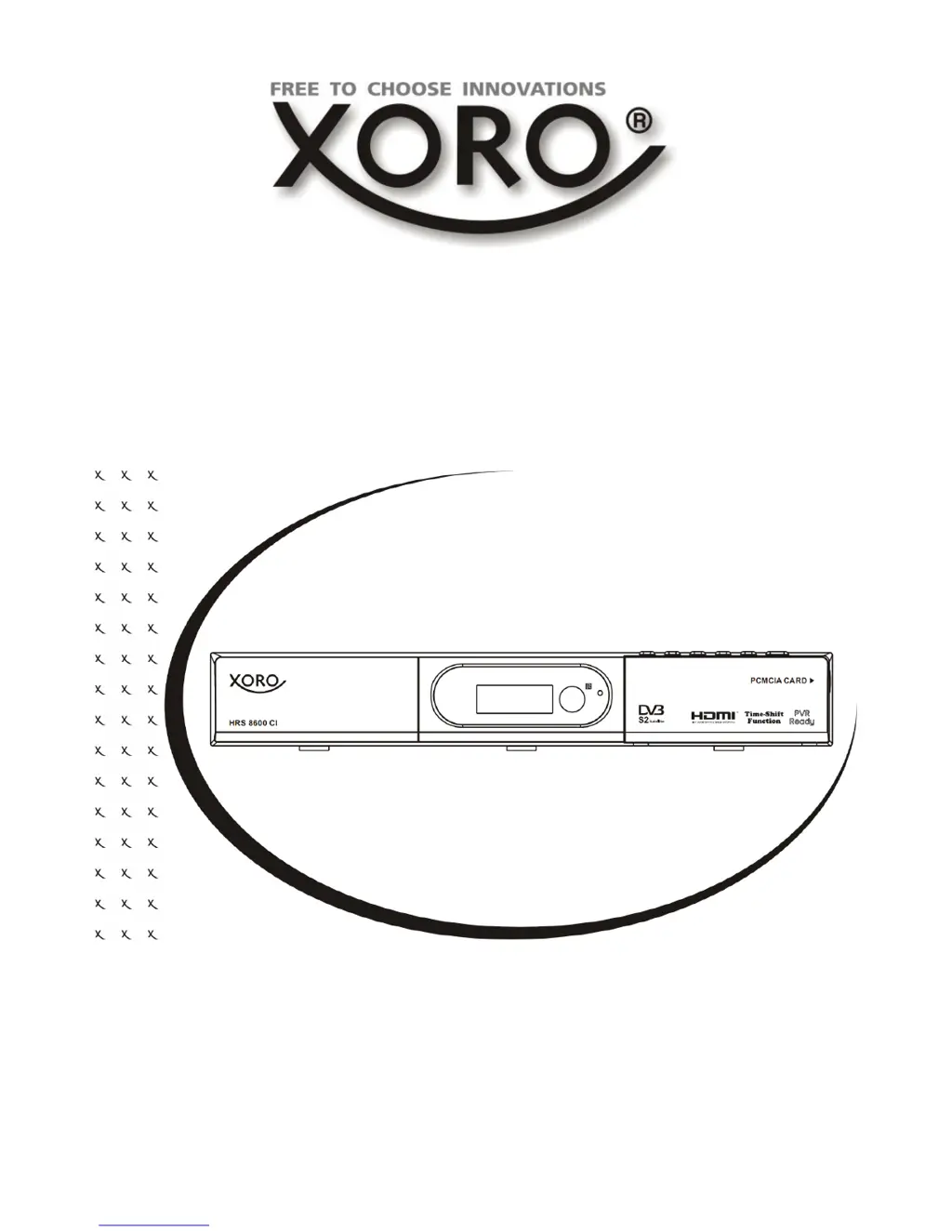
Xoro HRS 8600 CI
130 pages
Go to English
Print Icon
To Next Page IconTo Next Page
Loading...
Bedienungsanleitung
User Manual
DVB-S2 Receiver with Common Interface, USB,
PVR Ready, Time Shift, HDMI & Media-Player
HRS 8600 CI

Table of Contents

Questions and Answers

  • D
    Dwayne HughesAug 14, 2025
    How to fix no sound on my Xoro Receiver?
    • J
      jeremy57Aug 14, 2025
      If there is no sound, first, make sure that the Mute function is off by pressing the MUTE button. Then, increase the volume by pressing the VOL+ button. Finally, check the connection to your TV set or amplifier.
  • A
    Amy AndersonAug 17, 2025
    What to do if the remote control for my Xoro Receiver is not working?
    • C
      Charlotte MoyerAug 17, 2025
      If the remote control isn't working, try changing the batteries first. Ensure you are operating within the normal range (max. 5 meters, 30°). Also, check if any bright light is pointed at the sensor.
  • B
    bensonmarkAug 20, 2025
    Why is there no picture on my Xoro Receiver?
    • K
      ksuarezAug 21, 2025
      If there is no picture, first check the connection to the TV set. Then, control the video output mode in the setup. If you are watching a scrambled TV channel or program, pay attention to the AV settings.
  • G
    Gabriella SmithAug 25, 2025
    How to fix DVB-S reception issues on Xoro Receiver?
    • H
      hbellAug 25, 2025
      If you are experiencing DVB-S reception issues, mosaics, artefacts, or freeze pictures, realign the dish, paying attention to the satellite direction. If this does not help, use a bigger dish and retry the Auto Scan.
  • V
    Victor SpencerAug 27, 2025
    What to do if my Xoro Receiver has no power?
    • S
      sarah84Aug 28, 2025
      If your Xoro Receiver has no power, plug the power cord into the outlet tightly and turn on the power.
  • G
    ginasimmonsAug 30, 2025
    Why can't my Xoro Receiver scan programs?
    • K
      Kyle ThompsonAug 31, 2025
      If your Xoro Receiver can't scan programs, adjust the dish. Refer to the settings for searching.
  • J
    Joseph HoustonSep 3, 2025
    Why does my Xoro Receiver recording have jerkings?
    • C
      calderonlauraSep 3, 2025
      If your Xoro Receiver recording has jerkings or other malfunctions, it may be because the connected storage is too slow. Use only USB sticks with 8 GB or higher. Also, control the reception quality of the dish and align them for getting better quality.
  • D
    David WrightSep 7, 2025
    How to fix audio or subtitle issues on Xoro Receiver?
    • J
      Joshua SmithSep 7, 2025
      To fix audio or subtitle issues on your Xoro Receiver, try changing the audio track by pressing the AUDIO button or change the subtitle track by pressing the SUB button. Note that other audio tracks may not be supported, and subtitles may not be supported by the broadcaster.
  • K
    Kathy PerkinsSep 10, 2025
    Why is recording and playback not working on my Xoro Receiver?
    • J
      John StewartSep 10, 2025
      If recording and playback are not working, it could be due to no USB memory being connected, or there is no free space on the storage. Also, do not playback any files which are not specified.

Summary

Device Specifications Overview

High Frequency Tuner Details

Details about input frequency, LNB feed, RF input/output, impedance, waveform, and symbol rate.

Video and Audio Decoding Standards

Specifies video standards, modulation, resolution, aspect ratio, teletext, and audio standards.

Product Safety Guidelines

User Manual Safety Instructions

General guidelines for reading and adhering to safety and operating instructions.

Power and USB Safety Precautions

Power Supply Safety Guidelines

Guidelines for safe handling of the power cord and plug, and electrical connections.

Product Placement and Operation Safety

Product Placement and Ventilation Safety

Advises on proper placement to avoid screen damage, overheating, and ventilation blockage.

Safe Operation Practices

Details on handling, disconnections, and protection from weather.

Product Defect and Servicing Procedures

Product Defect and Servicing Guidelines

Instructions on handling defects, servicing, and replacement parts.

Notes and Included Accessories

Product Features Overview

Highlights key capabilities like HD reception, HDMI, PVR, Time Shift, and media playback.

Device Control Elements

Front Panel Controls Identification

Identifies buttons and indicators on the front of the device.

Rear Panel Connections Overview

Describes all input and output ports located on the back of the unit.

Remote Control Operation

Remote Control Buttons

Remote Control Button Functions

Details the function of each button on the remote control.

Connecting the Receiver

Connecting to Satellite Dish and TV

Step-by-step instructions for connecting the receiver to the dish and television.

Initial Setup and Channel Search

Initial Setup and Installation Process

Guides through the first-time setup process, including language and initial scan.

Channel Search Procedures

Outlines how to search for TV and radio channels.

Antenna and Satellite Setup

Single Satellite Search Process

Process for searching channels from a single satellite.

DiSEqC and Search Configuration

DiSEqC Mode Settings Explained

Options for controlling multiple LNBs or switches.

DiSEqC 1.0 Satellite Setup

Multiple Satellites via DiSEqC 1.0

Configuring reception for up to four satellites using DiSEqC 1.0.

DiSEqC 1.0;1.1 Satellite Setup

Multiple Satellites via DiSEqC 1.0;1.1

Advanced DiSEqC configuration for multiple satellites.

DiSEqC 1.2 Motor Setup

Multiple Satellites via DiSEqC 1.2

Using DiSEqC 1.2 for motor-controlled satellite dish positioning.

USALS Satellite Setup

Multiple Satellites via USALS

Setting up satellite reception using the USALS protocol for motor control.

Key Functions and Operations

Electronic Program Guide (EPG)

EPG Usage for Program Schedules

Using the EPG for program schedules and timer recording setup.

Using the Recorder

Preparation and Recording Process

Connecting USB storage and starting/stopping recordings.

Time Shifting Feature Usage

How to enable and use the Time Shift function for live TV.

Recording Management

Record Programming via Timer

Scheduling future recordings using the timer function.

Timer Editing

Media Player Access

USB Port and Media Access

Connecting USB drives and accessing the Media Player interface.

Movie Playback Features

System Settings Configuration

Channel Manager Operations

Preference Settings

PVR and Time-Shift Settings

PVR and Time-Shift Settings

Configuring file format, size, and time-shift options for recording.

HDMI and Colour Settings

Technical Specifications

Xoro HRS 8600 CI Specifications

General IconGeneral
BrandXoro
ModelHRS 8600 CI
CategoryReceiver
LanguageEnglish

Related product manuals