EasyManua.ls Logo

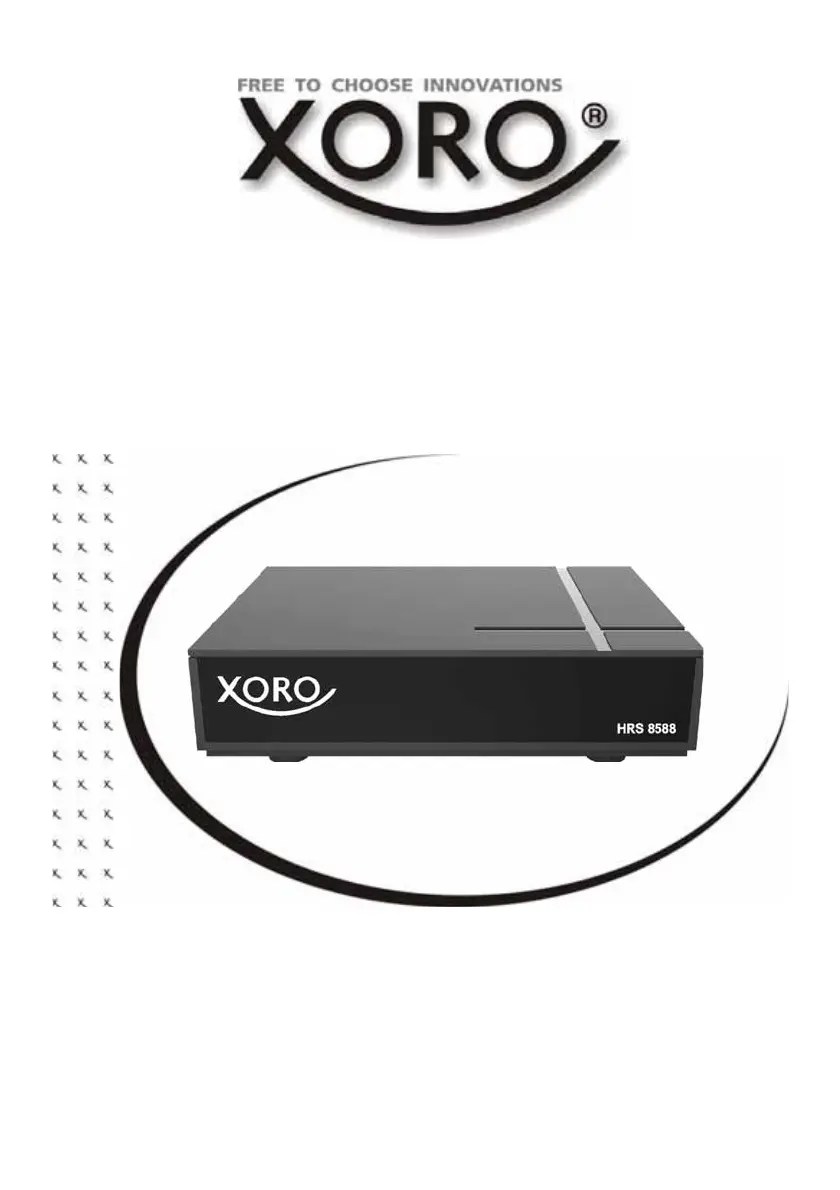
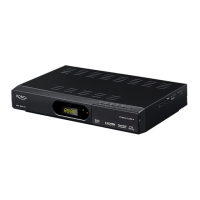
Xoro HRS 8588 - User Manual

Xoro HRS 8588
82 pages
Go to English
Print Icon
To Next Page IconTo Next Page
Loading...
Bedienungsanleitung
User Manual
HRS 8588

Table of Contents

Questions and Answers

  • J
    Joseph BrownAug 14, 2025
    What to do if my Xoro HRS 8588 remote control does not work?
    • W
      wclarkAug 14, 2025
      If the Xoro Receiver's remote control isn't working, it might be due to bright light interfering with the sensor. Try these steps: Change the batteries. Ensure you are within the normal operating range (up to 5 meters and 30°).
  • S
    Steven NelsonAug 17, 2025
    How to fix no sound on my Xoro Receiver?
    • T
      Teresa HansonAug 18, 2025
      If there's no sound from your Xoro Receiver, ensure that mute is off. Press the MUTE button to cancel it. Increase the volume by pressing the VOL+ button. Also, check the connection to your TV set or amplifier.
  • B
    Breanna RyanAug 21, 2025
    What to do if my Xoro Receiver has no power?
    • J
      Joseph MorganAug 21, 2025
      If your Xoro Receiver has no power, ensure the power cord is tightly plugged into the outlet and that the power is turned on.
  • R
    Richard BennettAug 25, 2025
    What to do if my Xoro HRS 8588 Receiver is not recording?
    • M
      Matthew RuizAug 25, 2025
      If the Xoro Receiver is not recording, check that a USB memory is connected and that there is free space on the storage.
  • S
    Sean VargasAug 28, 2025
    Why does my Xoro HRS 8588 have no picture or no colored pictures?
    • P
      Paula HumphreyAug 28, 2025
      If your Xoro Receiver shows no picture or the pictures are not colored, the TV channel or program might be scrambled. Check the connection to the TV and the video output mode in the setup.
  • C
    Charles PetersonAug 31, 2025
    Why does my Xoro Receiver recording have jerkings or other malfunctions?
    • M
      mcdonaldjenniferAug 31, 2025
      If your Xoro Receiver's recording has jerkings or other malfunctions it might be because the connected storage is too slow. Check the reception quality of the dish and align it for better quality.
  • D
    Danny JohnsonSep 3, 2025
    How to fix audio or subtitle issues on Xoro Receiver?
    • S
      Scott McgrathSep 4, 2025
      If the audio or subtitle function on your Xoro Receiver isn't working or cannot be chosen, it may be because the other audio track is not supported. Try changing the audio track by pressing the AUDIO button or changing the subtitle track by pressing the SUBTITLE button.
  • R
    Richard CoxSep 6, 2025
    How to fix Xoro HRS 8588 if it can not scan programs?
    • Y
      yabbottSep 7, 2025
      To resolve the issue of your Xoro Receiver not being able to scan programs, adjust the dish and refer to the settings for searching.
  • D
    Douglas BallSep 10, 2025
    How to fix Xoro HRS 8588 no DVB-S reception / serious distortion?
    • D
      david37Sep 12, 2025
      If your Xoro Receiver has no DVB-S reception, shows serious distortion by mosaics or artefacts, or freezes pictures, it might be due to no DVB-S reception in your region. Try the following: - Realign the dish, paying attention to the satellite's direction. - Use a bigger dish. - Retry the Auto Scan.

Xoro HRS 8588 Specifications

General IconGeneral
TypeSet-top Box
DVB-T2Yes
DVB-CYes
PVR functionYes
Media playbackYes
CI SlotYes
Ethernet PortYes
Tuner TypeDVB-T2 / DVB-C
Video OutputHDMI
Audio OutputHDMI
USBUSB 2.0
Supported Video FormatsMPEG-2, H.264
Supported Audio FormatsMP3

Related product manuals