EasyManua.ls Logo

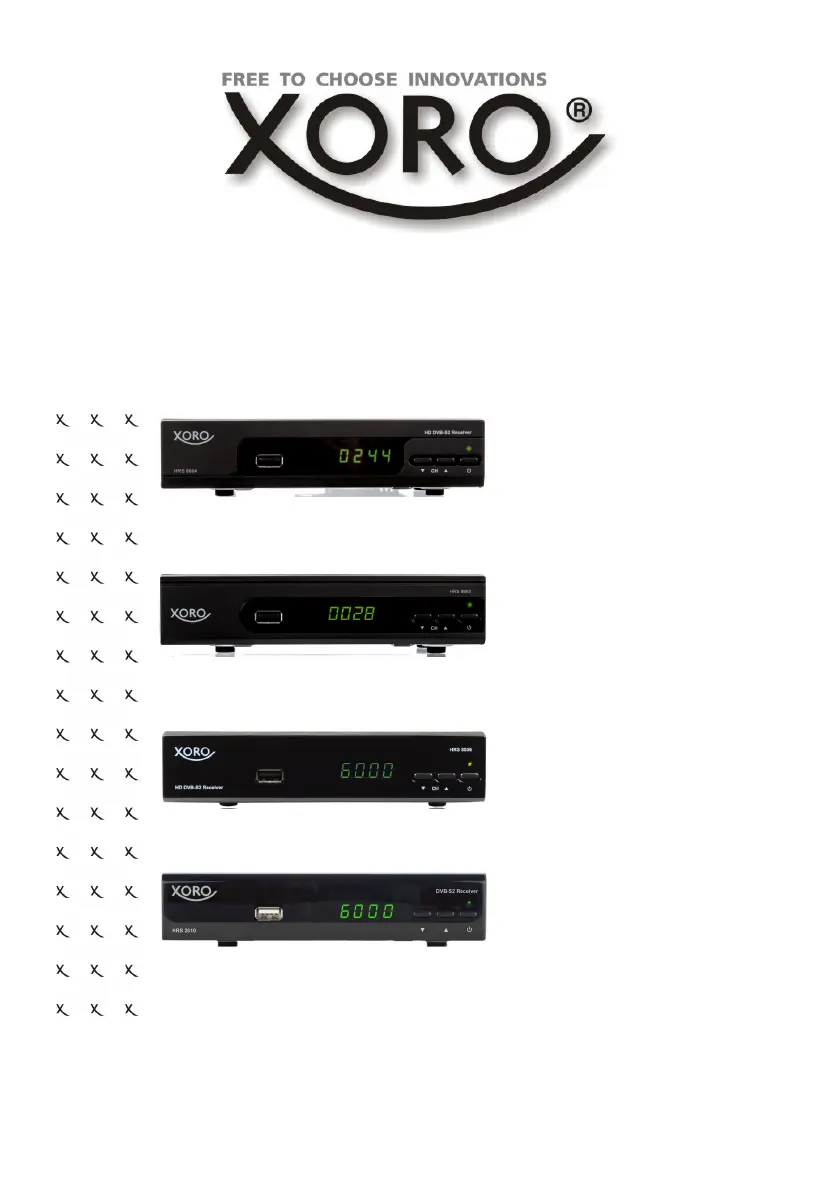
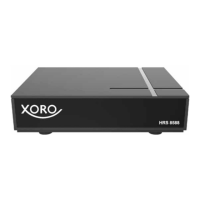
Xoro HRS 8664 - User Manual

Xoro HRS 8664
40 pages
Print Icon
To Next Page IconTo Next Page
Loading...
User Manual
HD DVB-S2 Receiver
HRS 8664
HRS 8660
HRS 8659
HRS 8658
HRS 8566v2
HRS 8556v2
HRS 2610
SD DVB-S2 Receiver

Questions and Answers

  • A
    andrewdavisAug 15, 2025
    What to do if the remote control does not work for my Xoro Receiver?
    • A
      Adam LoveAug 15, 2025
      If your Xoro Receiver's remote control isn't working, first try changing the batteries. If that doesn't help, make sure you're within the operational range (max. 5 meters, 30°). Also, check if bright light is interfering with the sensor.
  • M
    mccoypeterAug 18, 2025
    How to fix no sound on my Xoro HRS 8664?
    • K
      Kyle SparksAug 18, 2025
      If your Xoro Receiver has no sound, first, make sure that mute is not enabled by pressing the MUTE button. If the sound is still not working, increase the volume using the VOL+ button. Also, check the connection to your TV set or amplifier.
  • B
    Brandon BellAug 21, 2025
    What to do if my Xoro HRS 8664 Receiver has no picture or no colored pictures?
    • M
      Matthew RamseyAug 21, 2025
      If your Xoro Receiver shows no picture or no colored pictures, check the connection to the TV set. Also, check the video output mode in the setup. Note that the TV channel or program might be scrambled.
  • K
    klawsonAug 26, 2025
    Why is my Xoro HRS 8664 not recording?
    • J
      Justin JonesAug 26, 2025
      If your Xoro Receiver is not recording, ensure that a USB memory stick is connected and that there is free space available on the storage device.
  • M
    mcconnellmariaAug 28, 2025
    How to fix no DVB-S reception on Xoro HRS 8664?
    • D
      David CarpenterAug 28, 2025
      If you're experiencing no DVB-S reception or serious distortion with mosaics, artifacts, or frozen pictures on your Xoro Receiver, realign the dish. Ensure the satellite direction is correct and consider using a bigger dish. You can also retry the Auto Scan function.
  • A
    Ashley YangAug 31, 2025
    Why does my Xoro HRS 8664 Receiver recording have jerkings?
    • Z
      zimmermancarolineSep 1, 2025
      If the recording on your Xoro Receiver has jerkings or other malfunctions, the connected storage may be too slow. Also, check the reception quality of the dish and align it for better quality.
  • J
    Jeff JacobsSep 4, 2025
    What to do if my Xoro HRS 8664 Receiver can not scan programs?
    • S
      Shelley RodriguezSep 4, 2025
      If your Xoro Receiver can not scan programs, try adjusting the dish. Also, refer to the settings for searching.
  • C
    carlsongregorySep 7, 2025
    How to change audio or subtitle on Xoro HRS 8664 Receiver?
    • J
      Jason PalmerSep 7, 2025
      To change the audio track on your Xoro Receiver, press the AUDIO button. To change the subtitle track, press the SUBTITLE button. Note that other audio tracks may not be supported, or subtitles may not be supported by the broadcaster.
  • T
    Traci BarrettSep 12, 2025
    What to do if my Xoro HRS 8664 has no power?
    • C
      Cassandra GarciaSep 12, 2025
      To resolve a 'no power' issue with your Xoro Receiver, plug the power cord tightly into the outlet and turn on the power.

Xoro HRS 8664 Specifications

General IconGeneral
HDTV ReceiverYes
PVR ready via USBYes
HDMIYes
HDMI Output1
Video Resolution1080p
Supported Video FormatsMPEG-2, MPEG-4, H.264
Supported Audio FormatsMP3
ConnectivityHDMI, USB
USB Port1
Resolution1920 x 1080 pixels

Related product manuals