EasyManua.ls Logo

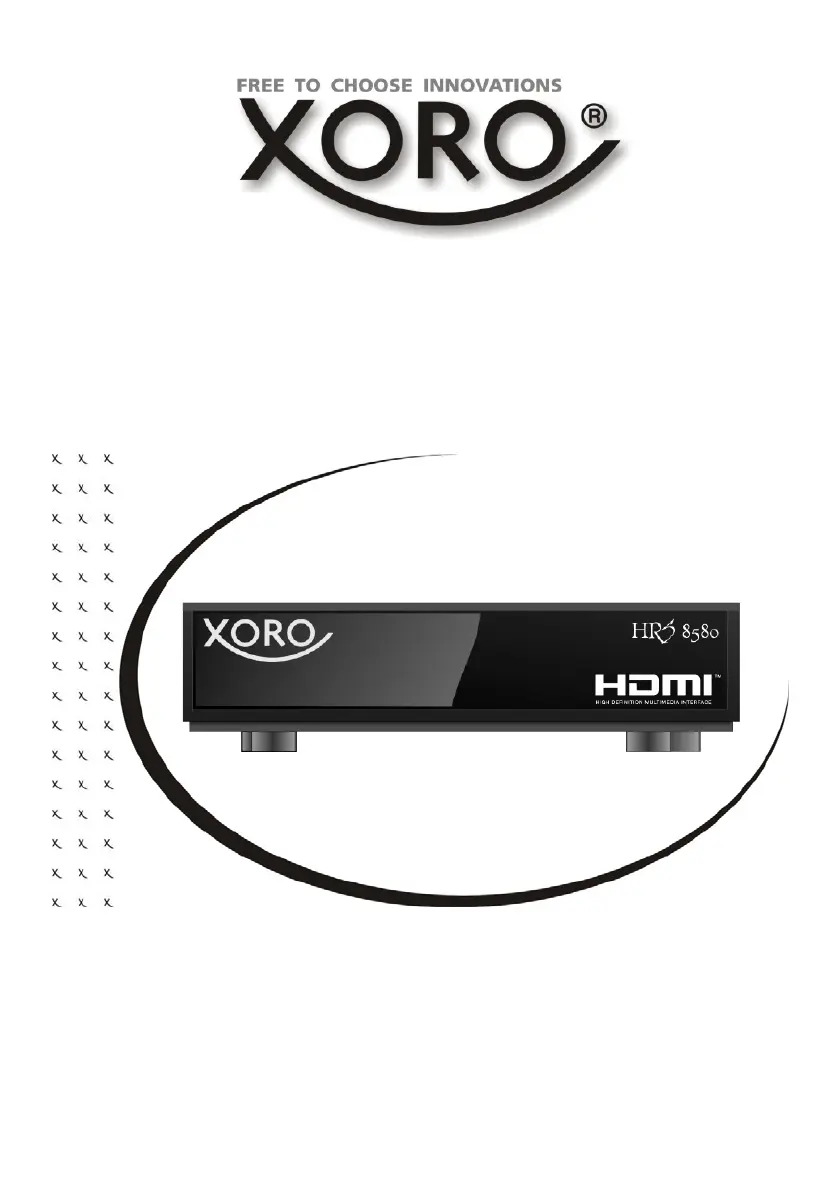
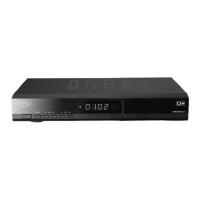
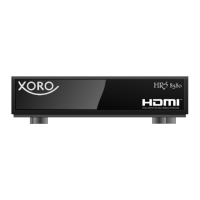
Xoro HRS 8580 - User Manual

Xoro HRS 8580
91 pages
Go to English
Print Icon
To Next Page IconTo Next Page
Loading...
Bedienungsanleitung (V2.0)
User Manual (V1.2)
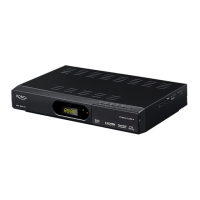
Mini DVB-S2 Receiver
HRS 8580

Questions and Answers

  • O
    Olivia BryantAug 14, 2025
    Why is my Xoro Receiver remote control not working?
    • D
      david41Aug 14, 2025
      If the remote control for your Xoro Receiver isn't working, try these steps: First, replace the batteries. Also, make sure you're operating the remote within its normal range (up to 5 meters and 30° angle). The sensor might be affected by bright light, so try to avoid pointing it towards bright light sources.
  • S
    Shirley FranklinAug 17, 2025
    How to fix no sound on Xoro Receiver?
    • K
      Kyle AlvarezAug 18, 2025
      If there is no sound from your Xoro Receiver, ensure that Mute is off by pressing the MUTE button. Increase the volume by pressing the VOL+ button. Also, check the connection to your TV or amplifier to make sure they are properly connected.
  • R
    Robert ReidAug 21, 2025
    What to do if my Xoro Receiver has no power?
    • S
      Sean WilsonAug 21, 2025
      If your Xoro Receiver has no power, ensure the power cord is securely plugged into the outlet and that the power is turned on.
  • N
    Neil MccartyAug 25, 2025
    Why is my Xoro Receiver not recording?
    • M
      morganandresAug 25, 2025
      If your Xoro Receiver isn't recording, make sure a USB memory stick is connected and that the storage device has enough free space.
  • E
    Elizabeth HerreraAug 28, 2025
    How to troubleshoot no picture on Xoro Receiver?
    • M
      Michelle MartinezAug 28, 2025
      If your Xoro Receiver shows no picture or no colored pictures, check the connection to the TV set. Also, verify the video output mode in the setup menu. The TV channel or program may be scrambled.
  • N
    nelsonpaulAug 31, 2025
    What to do if Xoro Receiver has no DVB-S reception?
    • F
      Fred RussellAug 31, 2025
      If you're experiencing no DVB-S reception, serious distortion, mosaics, artifacts, or frozen pictures on your Xoro Receiver, realign the dish, paying attention to the satellite direction. Consider using a bigger dish and retry the Auto Scan function. It might be caused by no DVB-S reception in your region.
  • D
    Desiree RuizSep 3, 2025
    How to fix Xoro Receiver that can't scan programs?
    • M
      Mr. James BurkeSep 3, 2025
      If your Xoro Receiver can't scan programs, adjust the dish and refer to the settings for searching.
  • E
    Emily CoffeySep 7, 2025
    Why does my Xoro Receiver recording have jerkings?
    • D
      Daniel RodriguezSep 7, 2025
      If recordings on your Xoro Receiver have jerkings or other malfunctions, it may be because the connected storage is too slow. Use USB sticks with 8 GB or higher. Check the dish reception quality and align it for better quality.
  • S
    Samantha SmithSep 10, 2025
    What to do if audio/subtitle function is not working on Xoro Receiver?
    • A
      Amanda CantrellSep 12, 2025
      If the audio or subtitle function isn't working, or you can't choose them on your Xoro Receiver, it could be because the other audio track is not supported or subtitles are not supported by broadcaster. Try changing the audio track by pressing the AUDIO button or changing the subtitle track by pressing the SUB button.

Xoro HRS 8580 Specifications

General IconGeneral
BrandXoro
ModelHRS 8580
CategoryReceiver
LanguageEnglish

Related product manuals