79
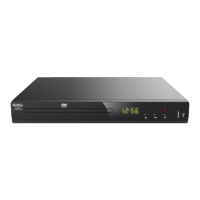
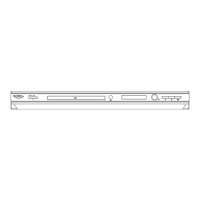
1. Press the button on the front panel of the player
2. Press the button on the player or on the remote control
3. Put a compatible disc in the opened tray
4. Press button again.
5. Use playback control buttons on the player to or . Or use the buttons of the remote
control to operate:
SKIP
SEARCH
See more about on the pages 17, 18, 19, 20.
POWER
OPEN/CLOSE
OPEN/CLOSE
ATTENTION: Do not push the tray with the hand. You may damage it!
SKIP PAUSE
l
l
l
l
SLOW MOTION
ZOOM
Disc playback
NOTES:
l
l
l
Do not move the DVD player during playback
If you do not use the player for a long time unplug it
For the PBC for VCD please refer to the following pages
PLAYBACK
English


 To Next Page