{II. Driver Installation}
Supported operating systems:
Windows 10, 8 or 7
Mac OS X 10.10 or above
Notes:
(1). Uninstall any existing tablet software before attempting to install the Deco 01 V2’s driver. Other tablet
drivers may conflict with the Deco 01 V2’s driver or prevent installation entirely.
(2). You can download the latest driver version from the XP-Pen website (www.xp-pen.com) and be sure to
extract the “.zip” file contents before running “.exe” or “.pkg.”
Windows
(1).Connect the Deco 01 V2 to your computer using the included USB cable.
(2).Please download the Deco 01 V2 latest driver from the support section of our website, (www.xp-
pen.com)
(3).Extract the “.zip” file contents before running the “.exe” file.
(4).After a successful installation, the driver’s icon ( ) will appear in your system tray and on your desktop.
If the icon is not present, uninstall the driver, reboot, and repeat step 2.
Mac
(1).Connect the Deco 01 V2 to your computer using the included USB cable.
(2).Please download the Deco 01 V2 latest driver from the support section of our website, (www.xp-
pen.com)
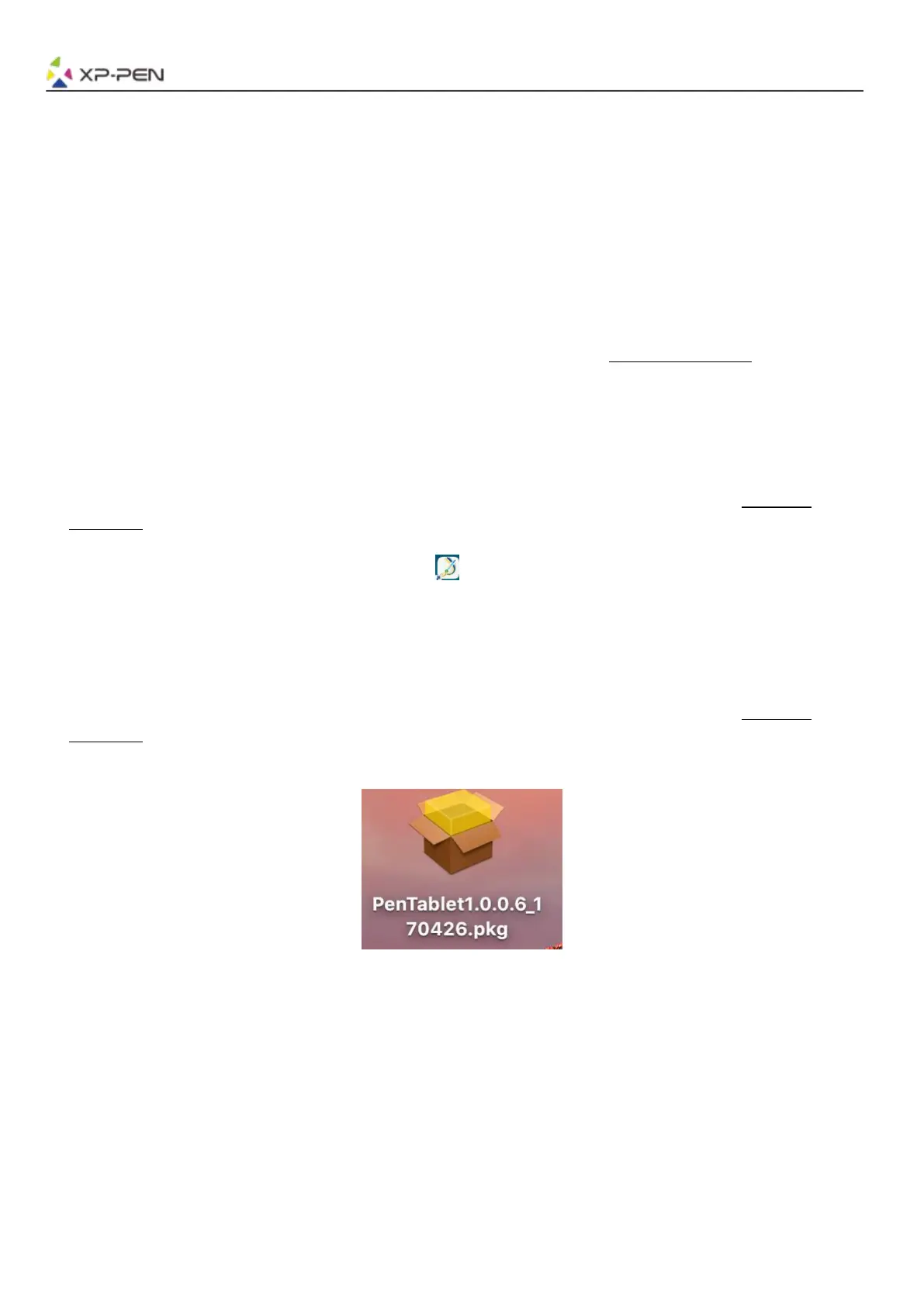
(3).Extract the “.zip” file contents before running “.pkg”.
Image 2-1: Mac driver














 To Next Page