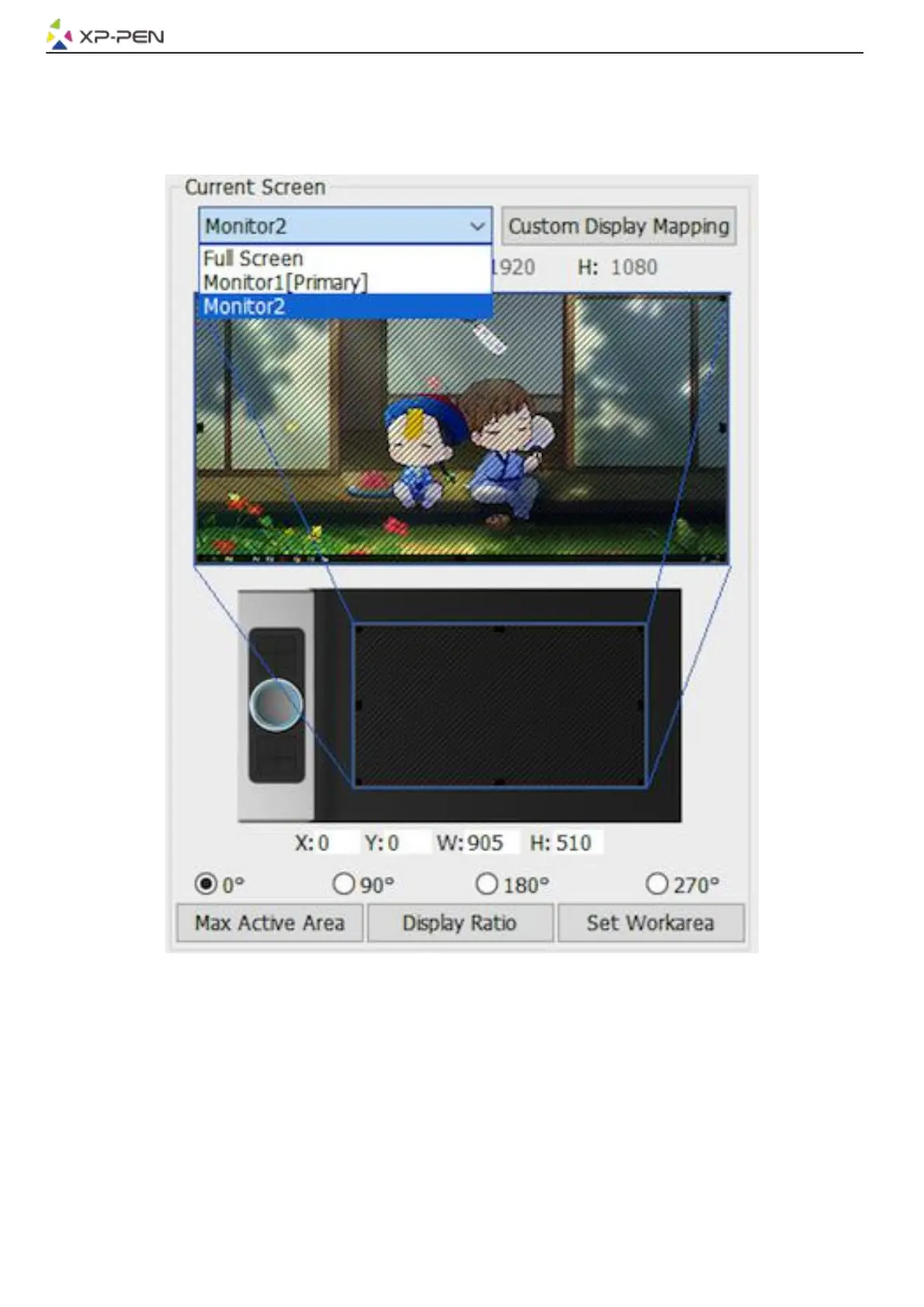
Display Ratio:
You can set your Deco Pro Small & Medium work area adjusts the tablet’s on-screen working area to
match your monitor’s resolution.
Max Active Area:
You can set your Deco Pro Small & Medium work area to the max.
Image 3-5: Current Screen
1.5. Import & Export Profiles
You can use the Import & Export Profile function to save/load your barrel buttons and shortcut key
settings.
Note:
When you finish setting up your barrel buttons and shortcut keys, click the OK button to save and exit the
tablet settings menu.



 To Next Page