2
Thank you for purchasing the XP-Pen tablet. Our product user manual
currently supports English, Russian, Japanese, German, Korean, Chinese,
Italian, Spanish, and French. We apologize if your preferred language is not
supported.
I. Product Overview
Overview
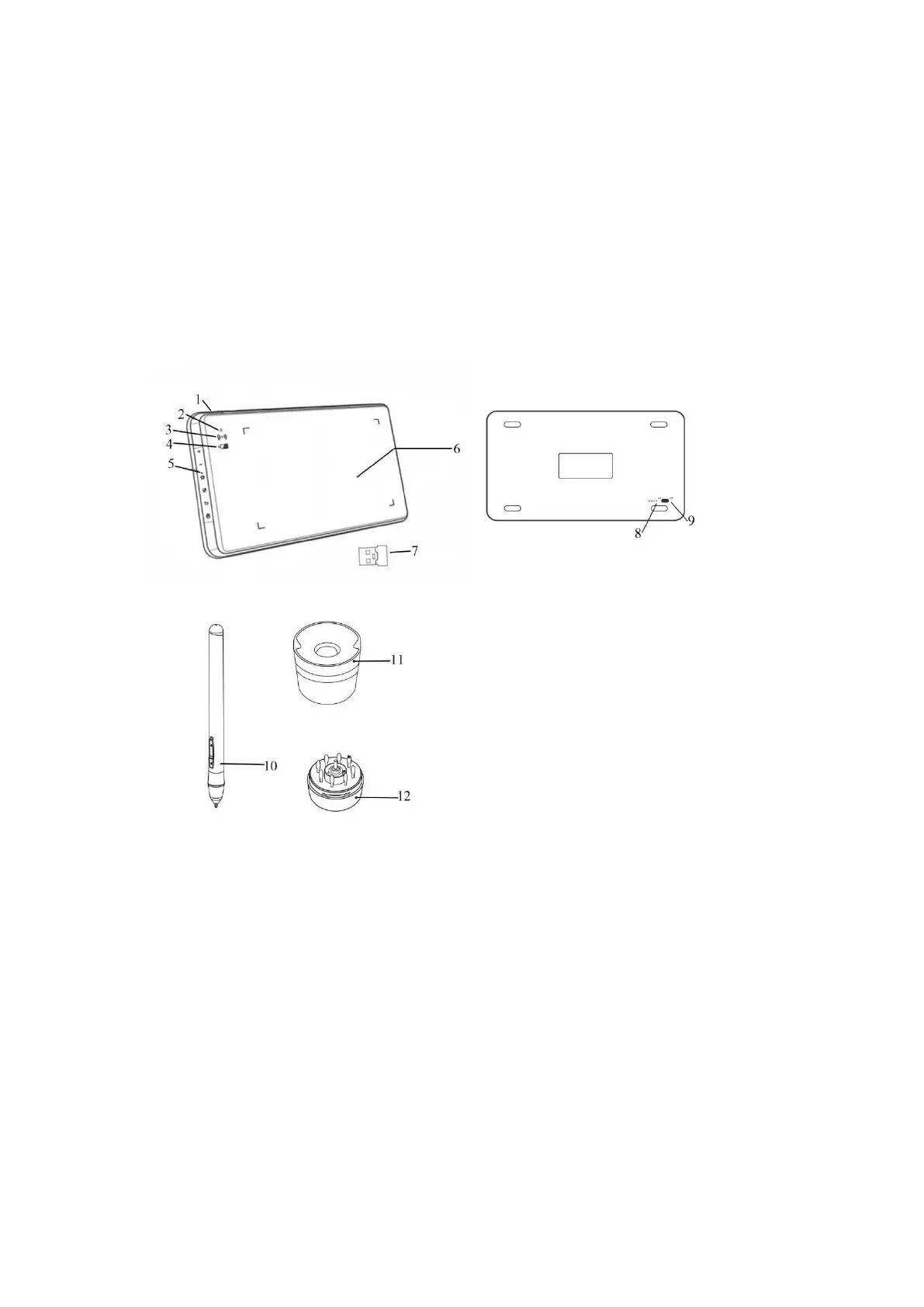
Image 1-1: Overview
(1). USB plug in
(2). Status indicator light
a. White, blinking: Stylus is in range, but not touching the working area.
b. White, solid: Stylus is touching the working area.
c. No light: Stylus is out of detection range.
(3). Wireless indicator light
a. Green: Tablet is connected via wireless USB.
b. Off: Tablet is not connected via wireless USB.



 To Next Page