English - 6
Charging the Battery (Continued)
Instructions for FC-150B:
• Connect the power plug to the power source.
• When the battery is charging, all the bars of the battery indicator light will shine
green.
• IMPORTANT: This unit operates normally when the unit is charging.
• This machine provides a USB dedicated charging port (DCP, Type A, 5 V/1 A) only for
purpose of charging or powering USB devices.
• WARNING: Please use certified USB devices only on the charging port, otherwise it
may cause malfunction or permanent damage to the battery or other related safety
concerns.
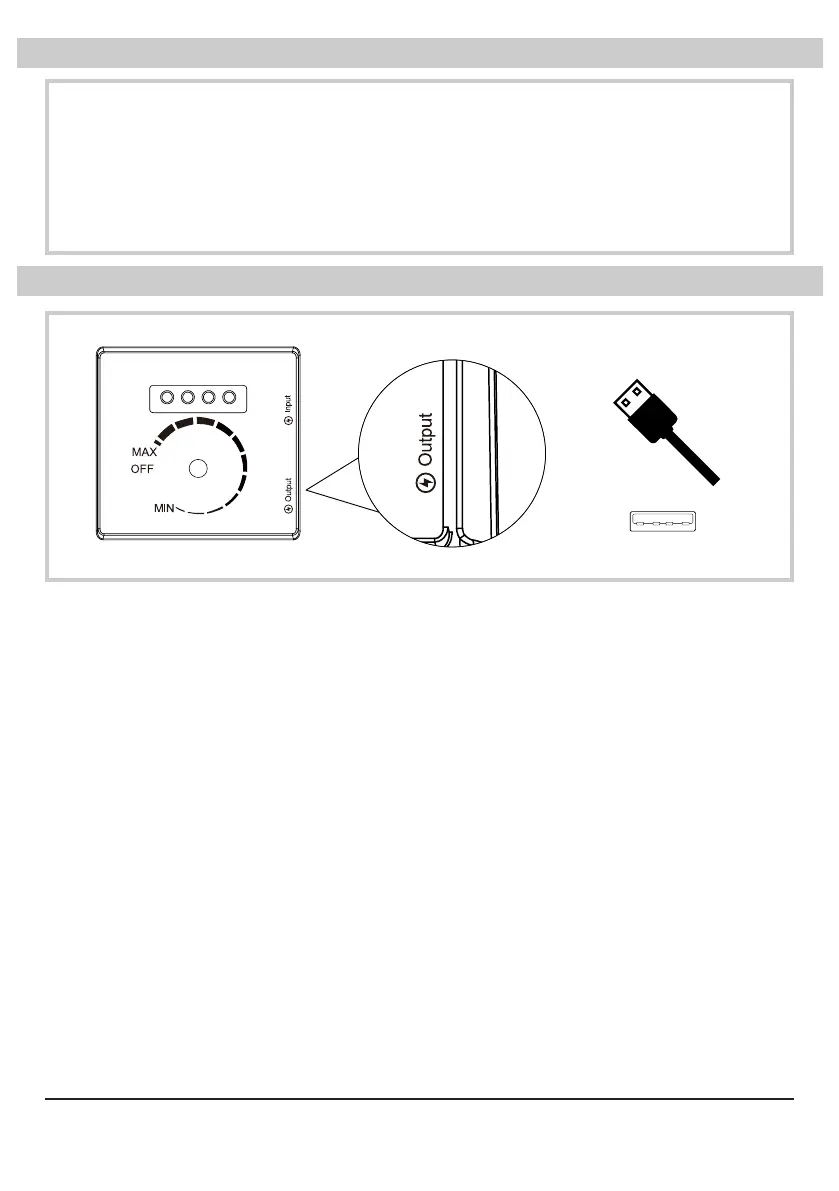
USB Charging Port*
USB Charging Port USB Plug
USB Type A (5 V/1 A)Switch Plate
* For model FC-125B only



 To Next Page